AI-ready templates
AI-ready templates for Microsoft 365 and Google Workspace
Your teams need documents that work well today and a dependable starting point for the tools they use next. We design structured Word, PowerPoint and Google Workspace templates, with approved brand assets and representative examples for supported Copilot and Gemini workflows.
Give your teams an approved starting point
A template brings together your organisation’s styles, layouts and brand assets. For teams using Copilot or Gemini, representative examples and well-organised reference material can also help guide the result.
We build the document foundation around the way your organisation works: the files people create, the information they need to communicate and the platforms they use. Where AI-readiness testing is included, we agree the workflows and check how the templates perform in a suitable environment.
The aim is more consistent, usable documents. Results still depend on the feature, source content, instructions and settings, so your team should review generated work before using it.
What we build into your template system
- 01
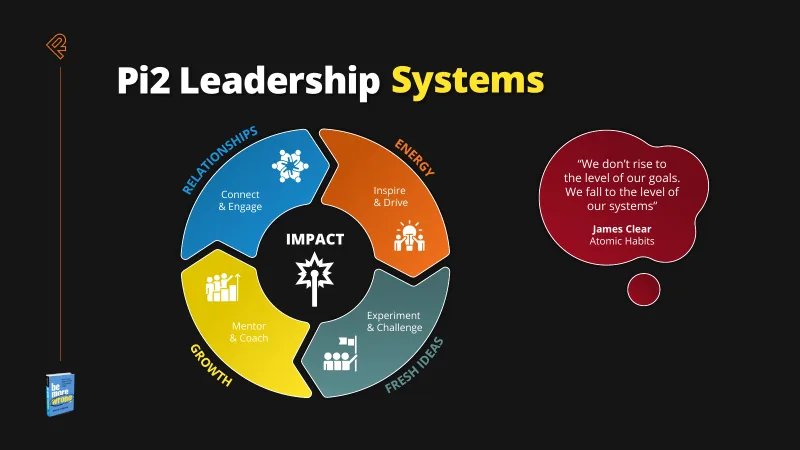
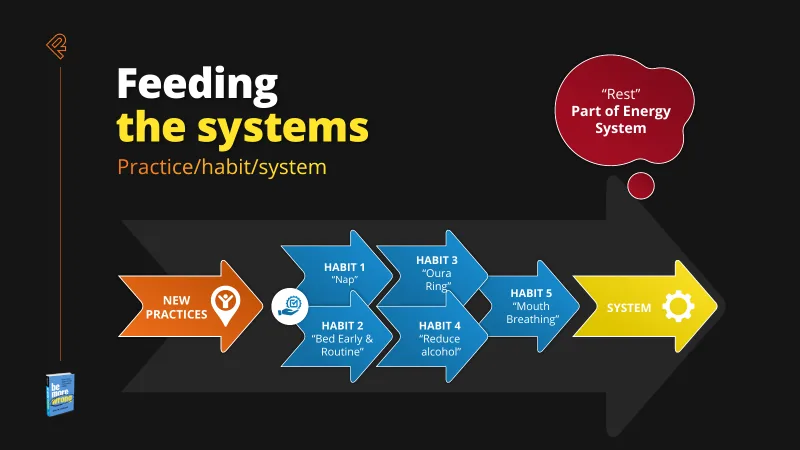
Structured layouts and representative examples
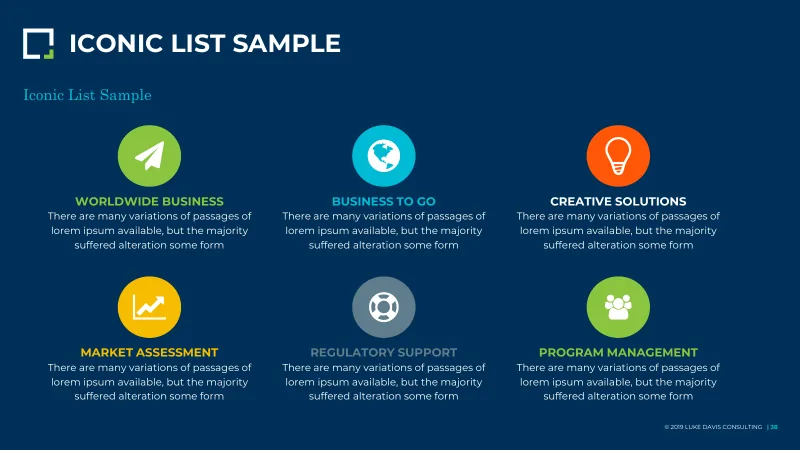
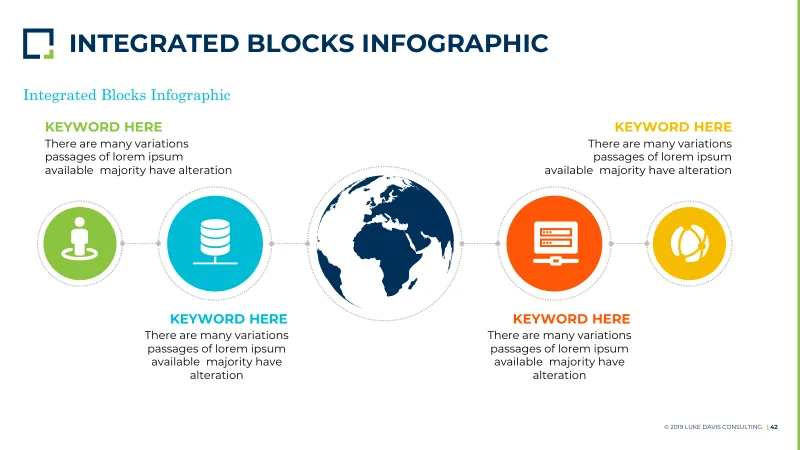
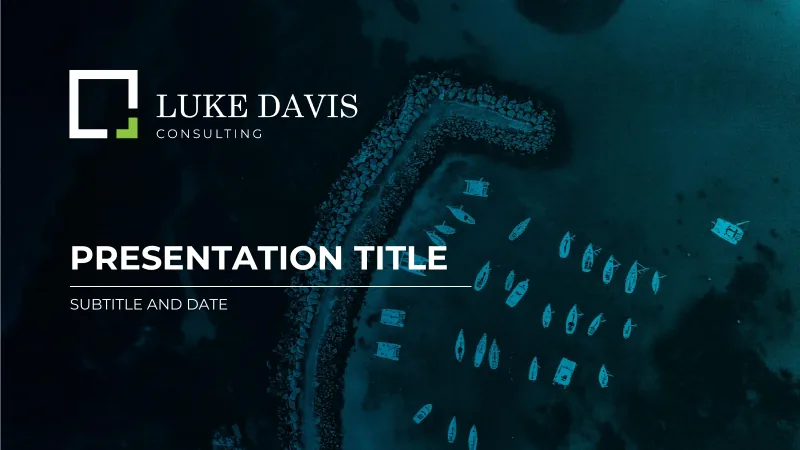
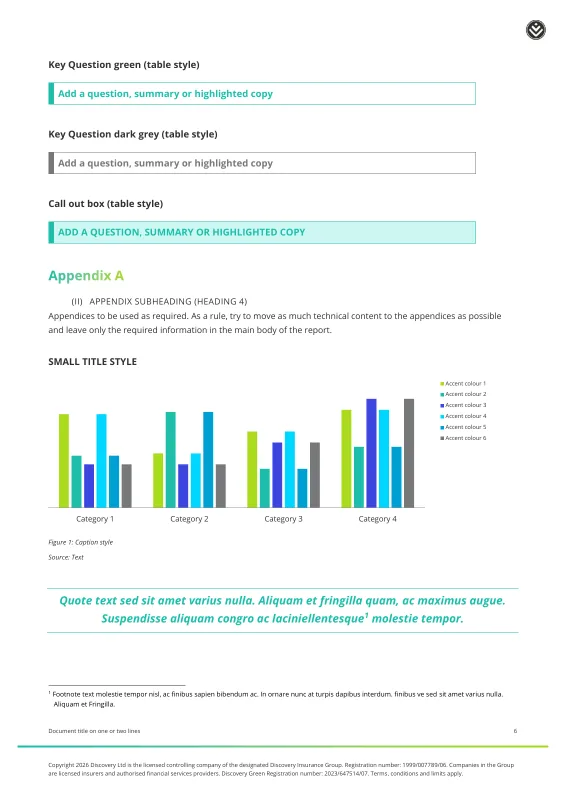
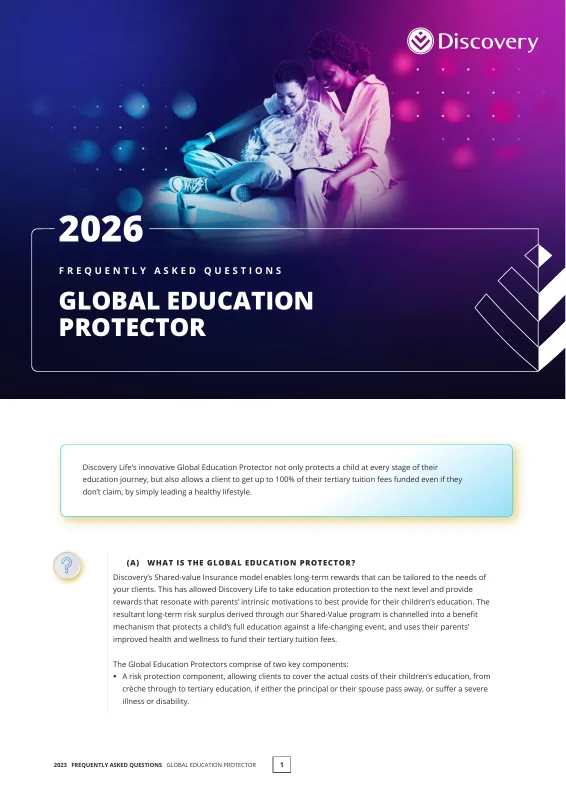
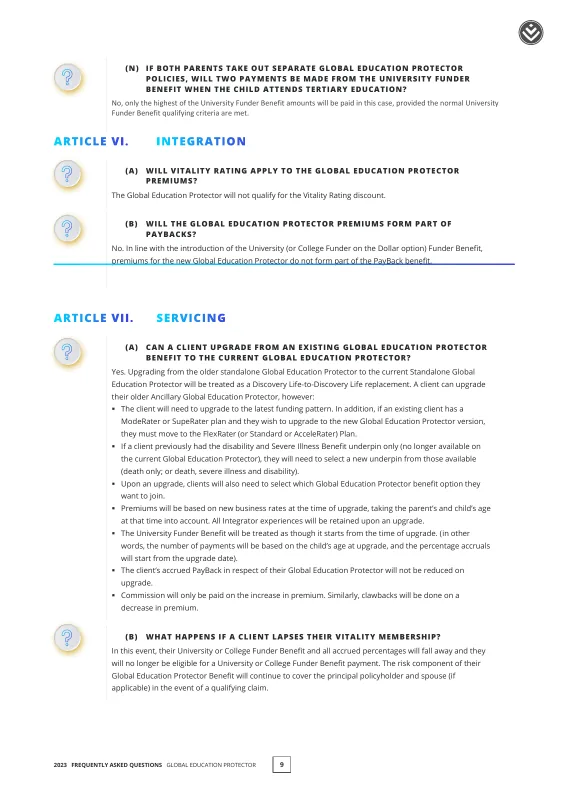
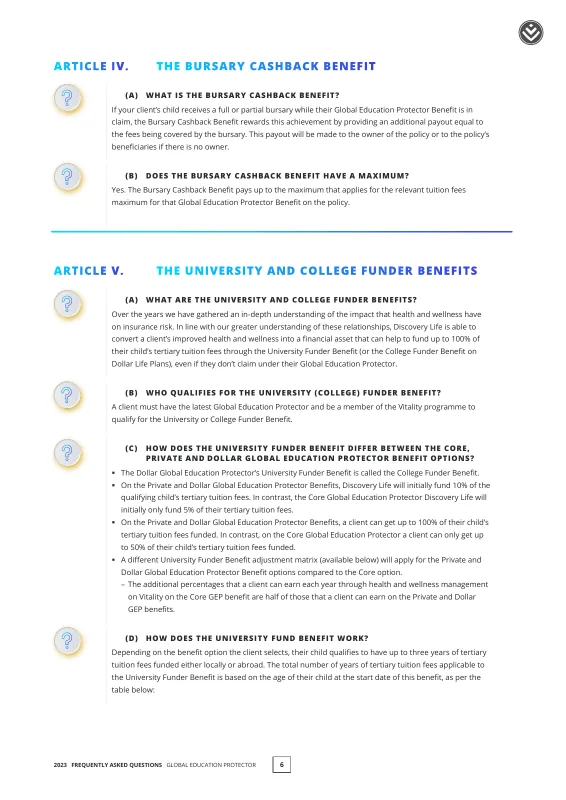
PowerPoint masters, placeholders and sample slides that demonstrate how your brand handles common presentation tasks.
- 02
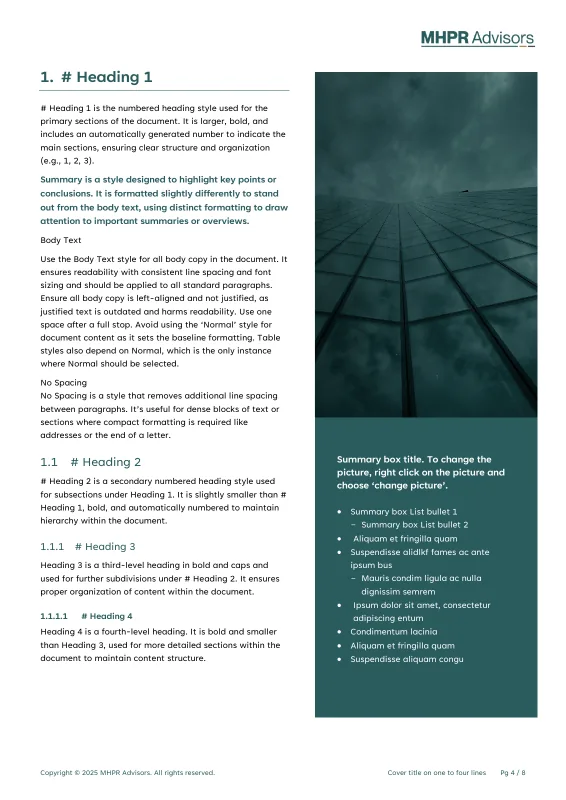
Consistent document styles
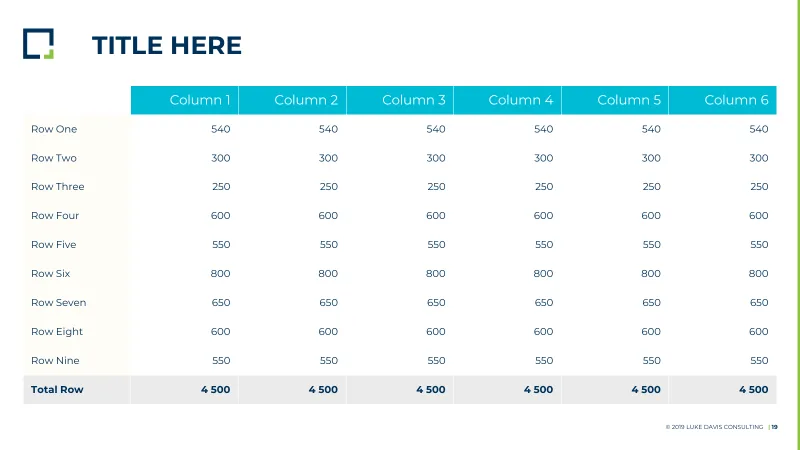
Word and Google Docs templates with a clear hierarchy for headings, body text, lists and tables, within each platform’s capabilities.
- 03
Approved brand assets
Fonts, colours, logos and imagery organised around the templates and the ways your teams use them.
- 04
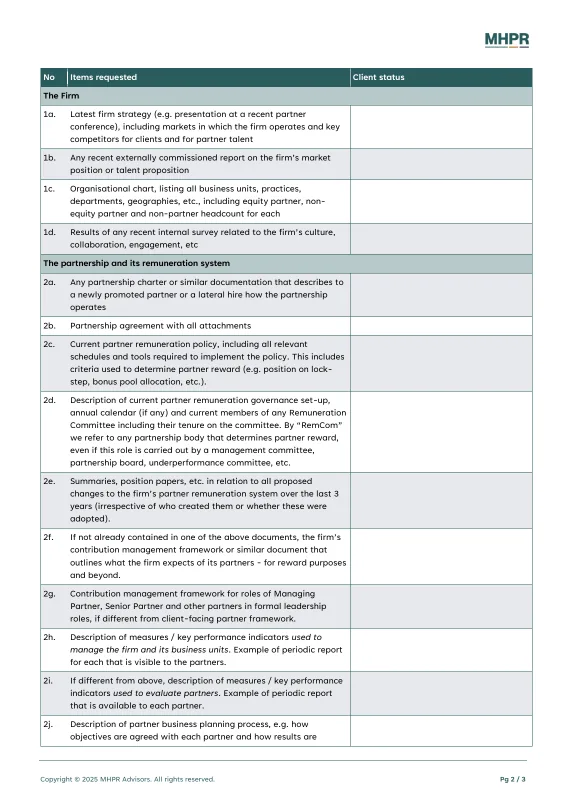
Accessible document structure
Headings, reading order, table structure and alternative-text guidance that support clear, usable documents.
- 05
Practical reference material
Approved examples that show your teams how reports, proposals and presentations should look and read.
- 06
Workflow guidance
Short instructions and, where included, tested prompts for the tools and tasks agreed in the project.
Where AI-ready templates can help
- 01
Microsoft 365 teams
Word and PowerPoint systems for proposals, reports, board updates and everyday presentations.
- 02
Google Workspace teams
Docs and Slides templates and reference material for collaborative document creation.
- 03
Brand and marketing teams
A consistent set of approved assets and examples for employees working across departments.
- 04
Agencies
Client-ready templates that carry approved artwork into Office and Google Workspace, with guidance for supported tools.
How it works
How the project works
- Step 01
Review
We review your current templates, representative documents and the workflows your teams want to use.
- Step 02
Build
We create or refine the styles, layouts, representative examples and brand assets needed for those tasks.
- Step 03
Test
Where AI-readiness testing is included, we test the agreed Copilot or Gemini workflows in your environment or using approved sample material. We record the limitations that matter to your teams.
- Step 04
Handover
You receive the templates and agreed guidance, with deployment responsibilities and ongoing support set out clearly.
Testing around your requirements
We agree the testing environment and material with you before starting. Tests can use your organisation’s supported Microsoft 365 or Google Workspace setup, or sample content you approve. Any restrictions on handling your project information are recorded as part of the brief.
How we handle project informationSelected work
Recent work
-
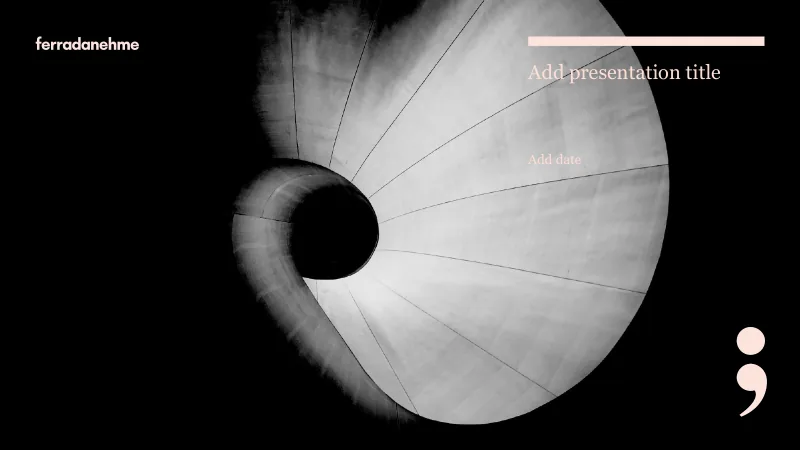
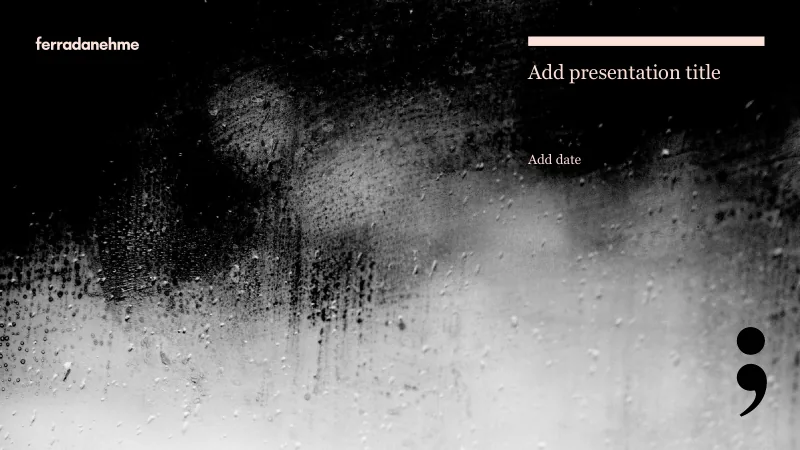
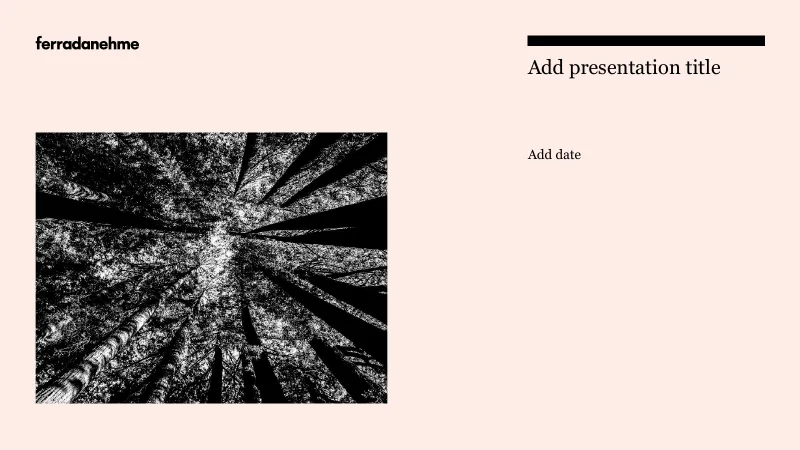
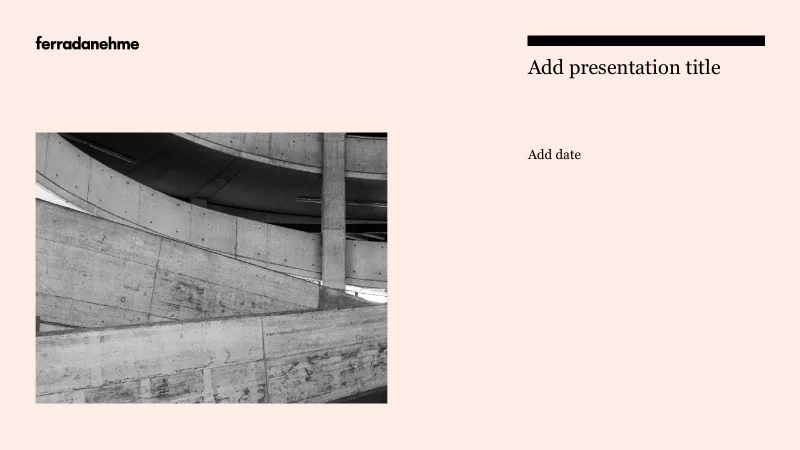
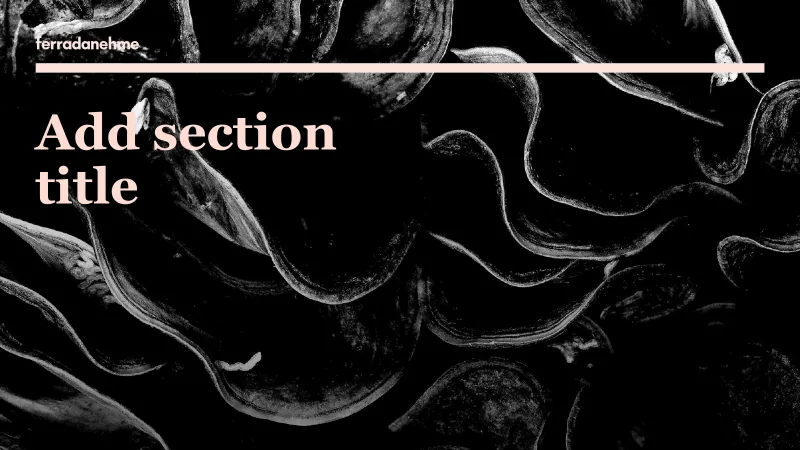
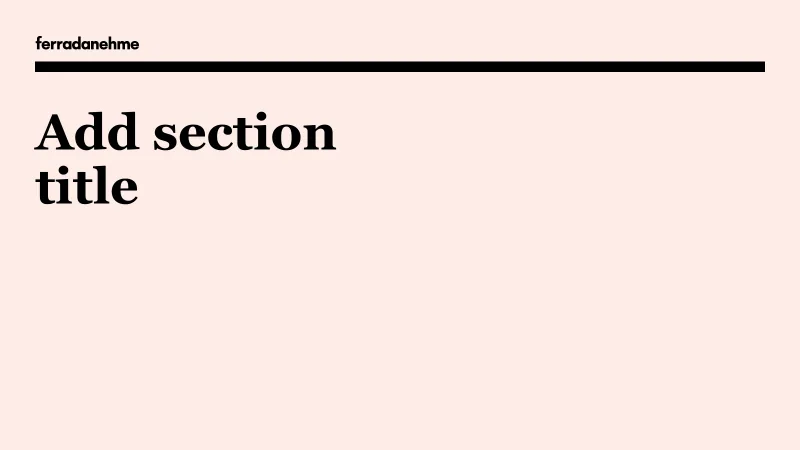
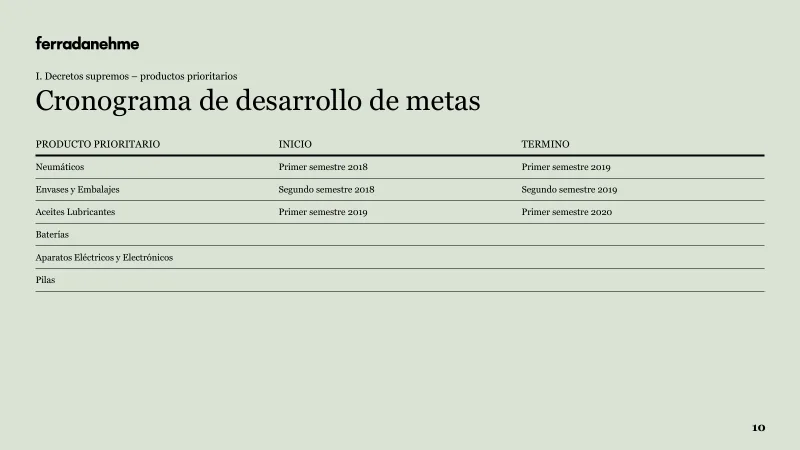
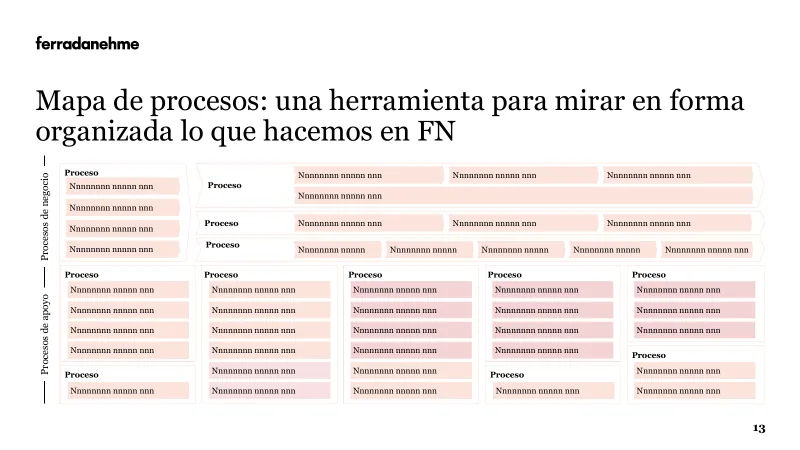
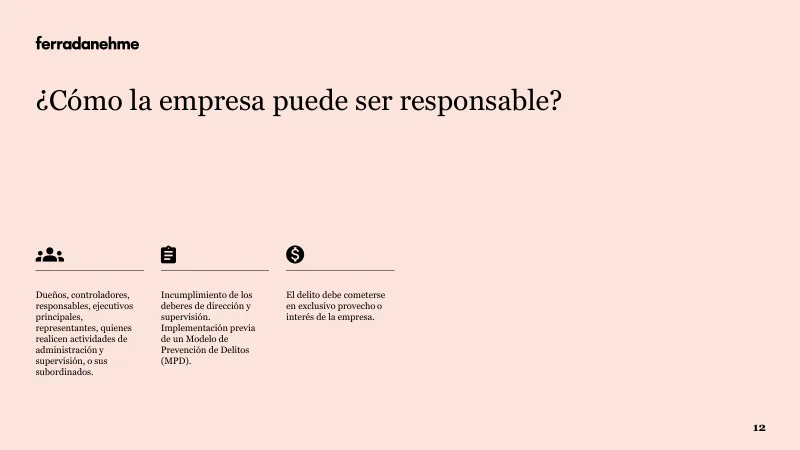
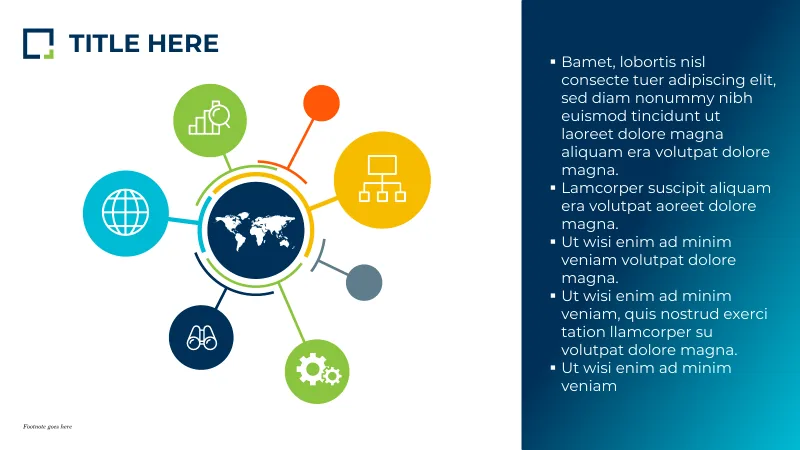
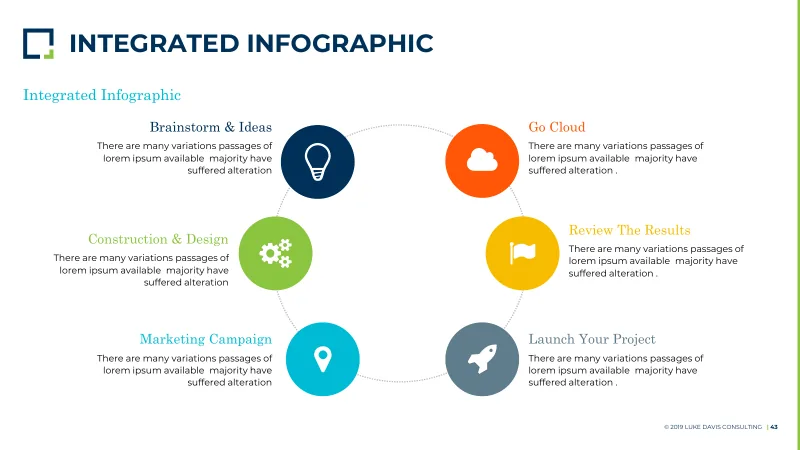
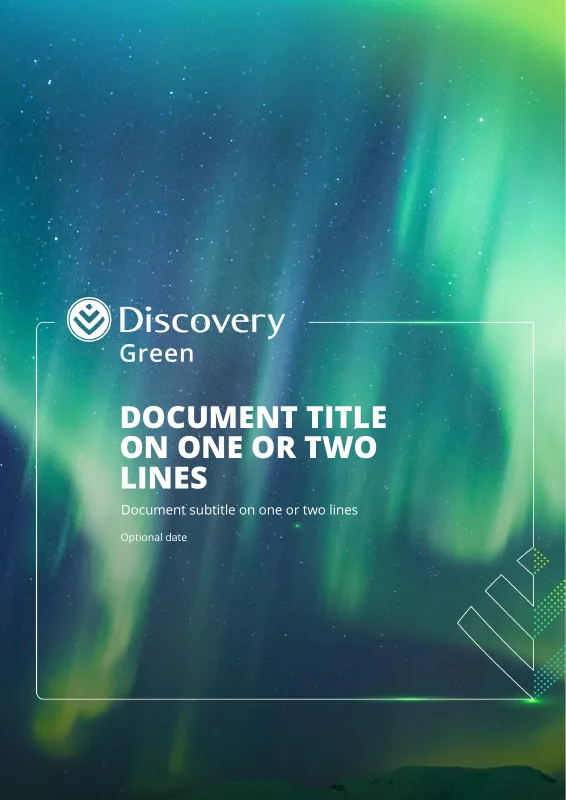
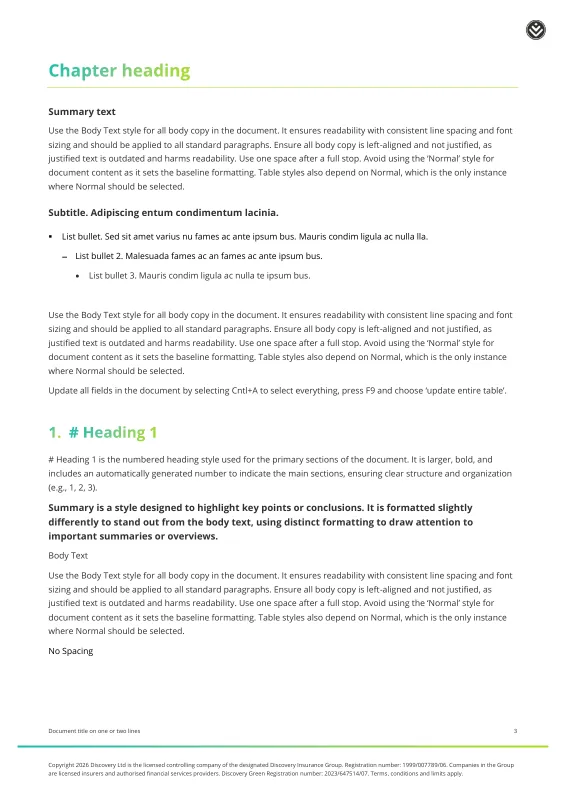
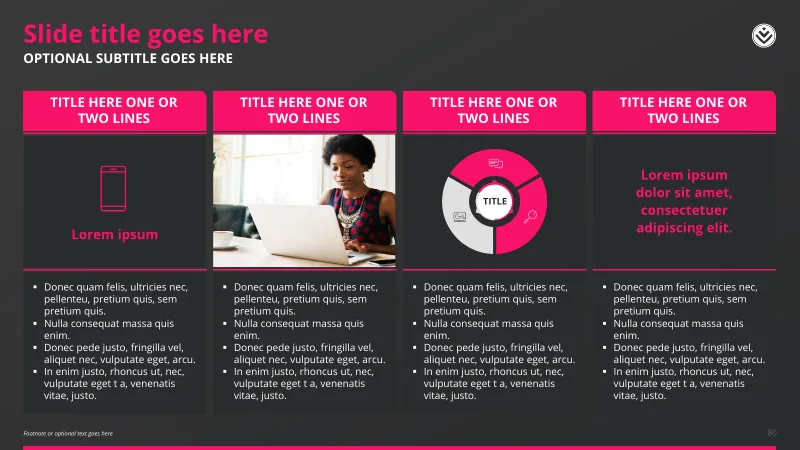
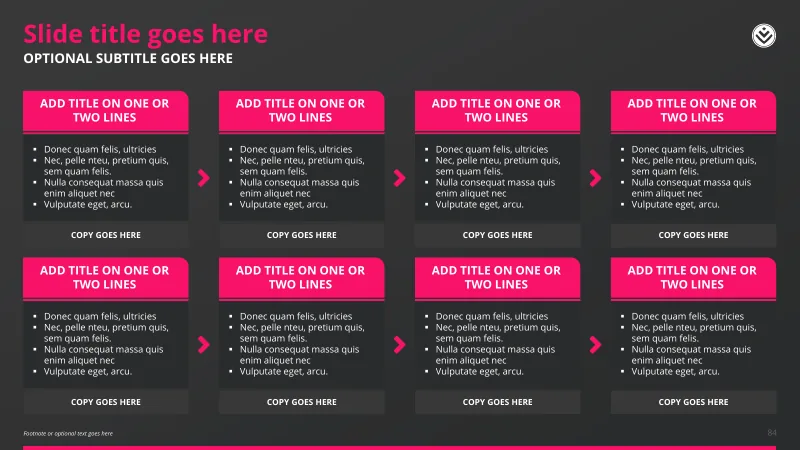
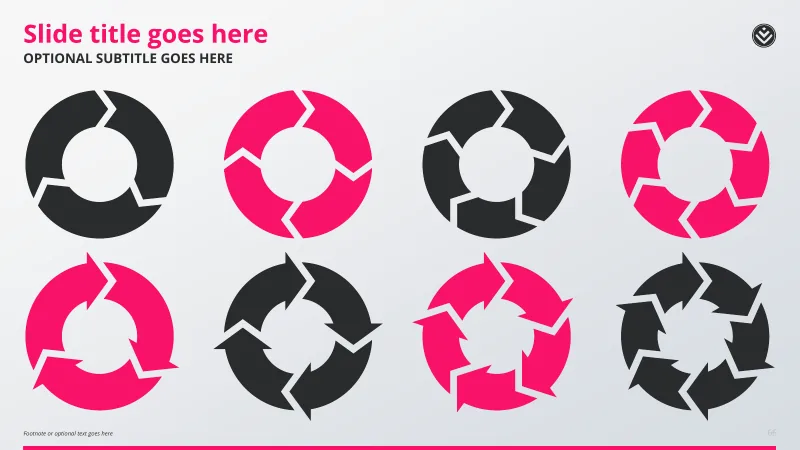
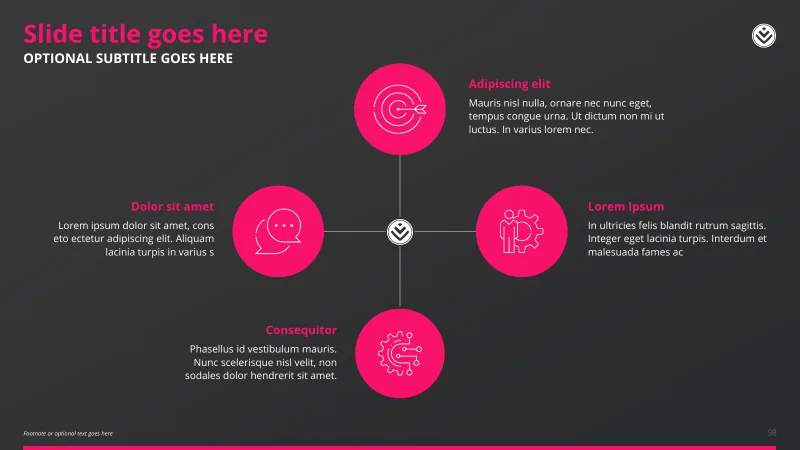
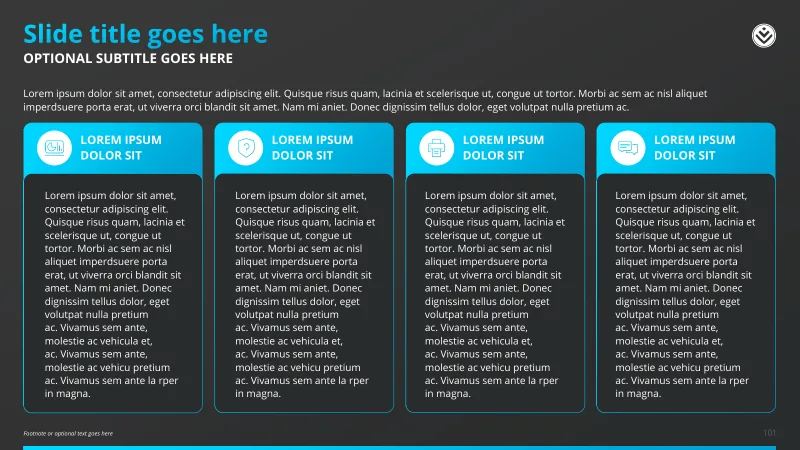
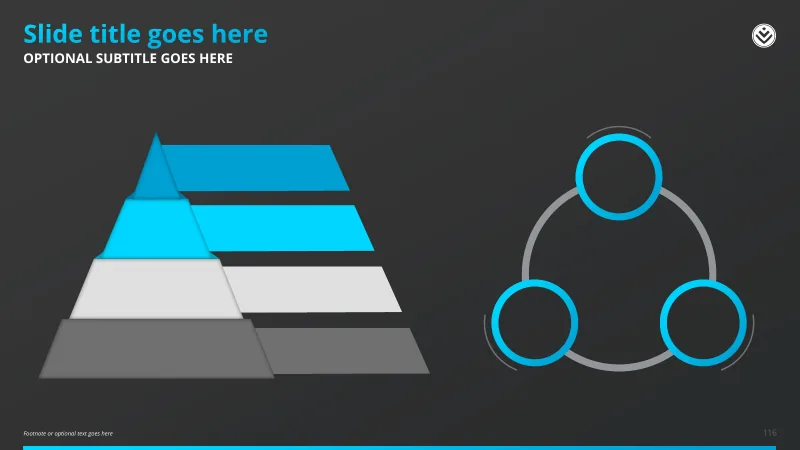
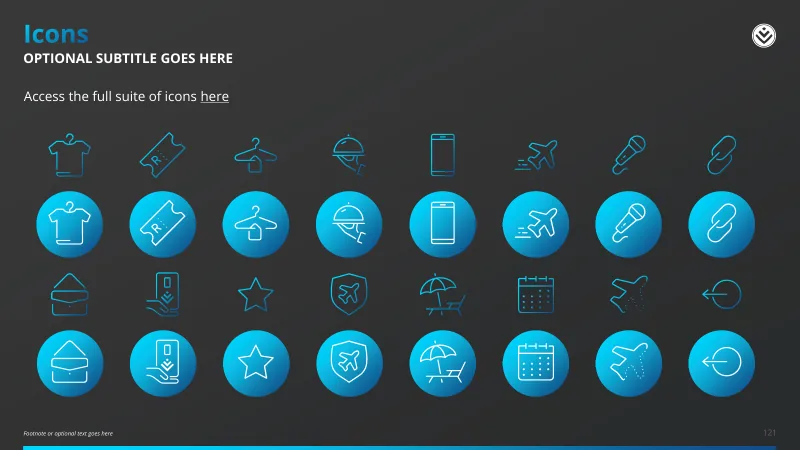
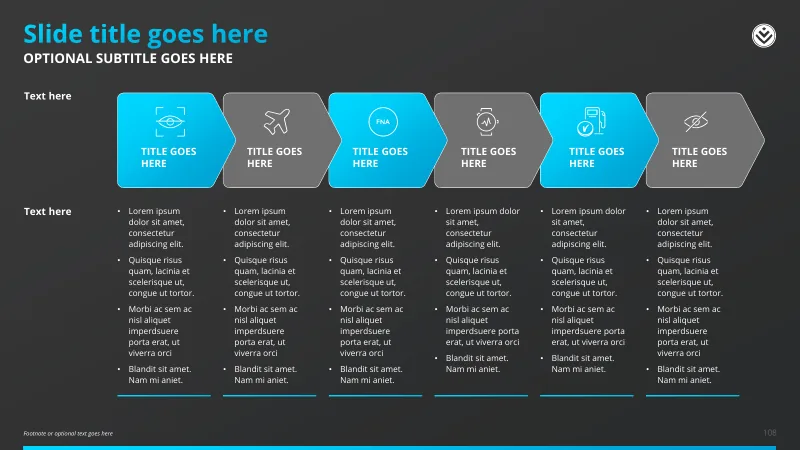
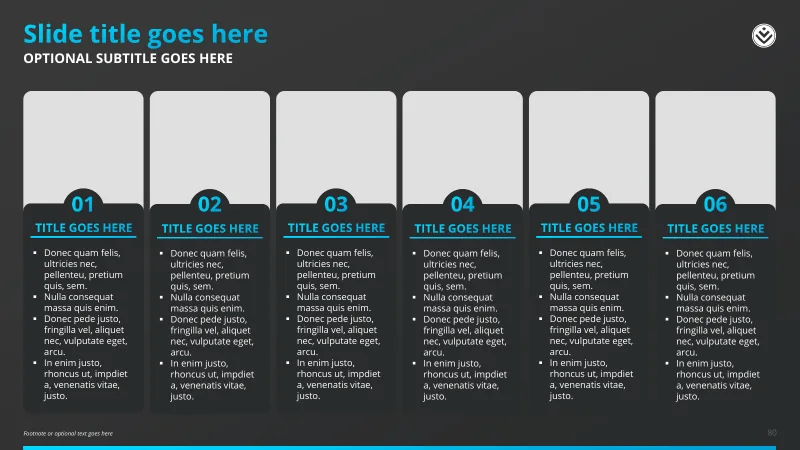
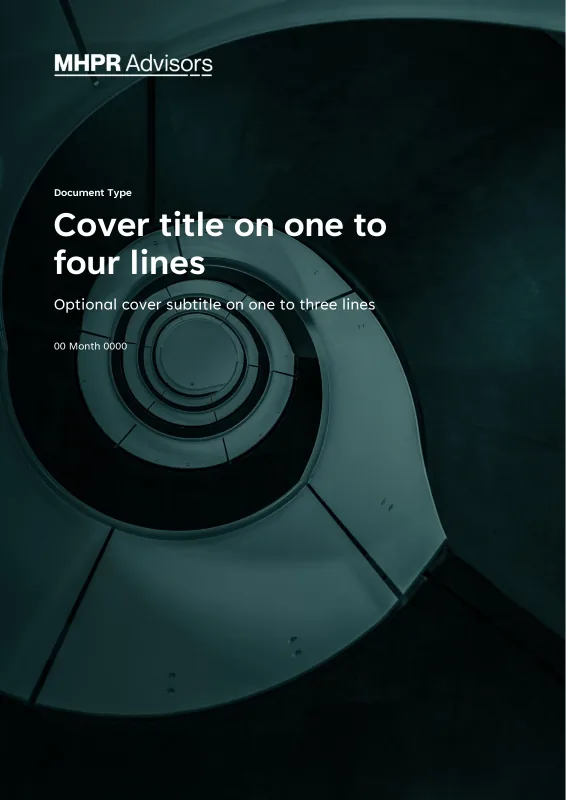
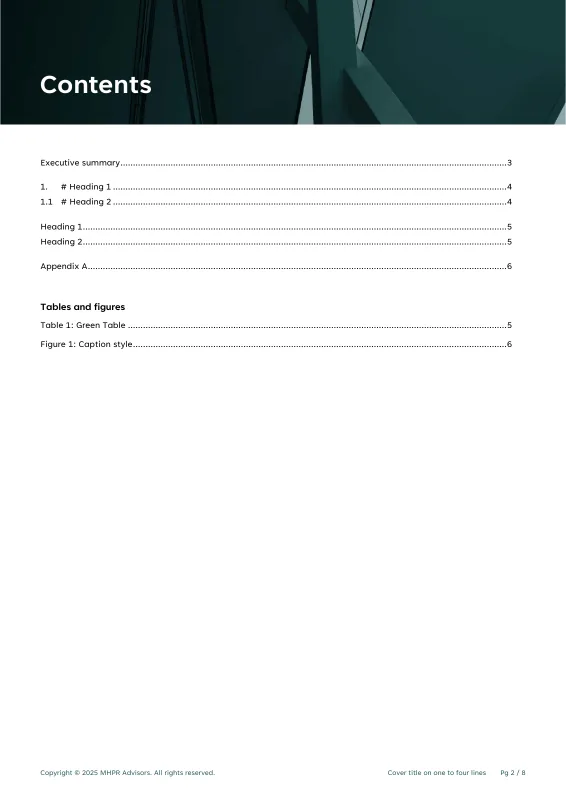
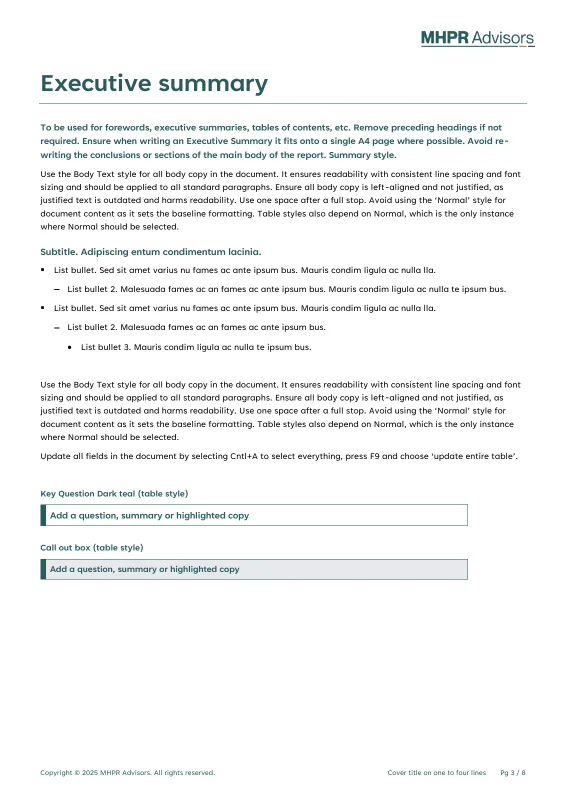
FerradaNehme PowerPoint -


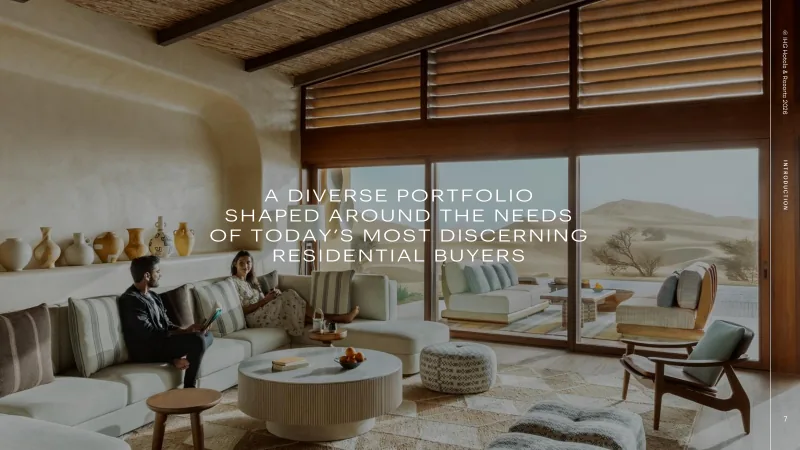
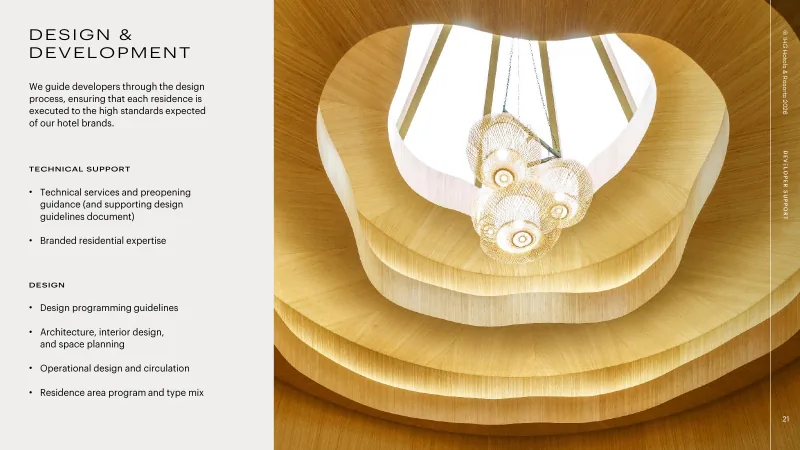
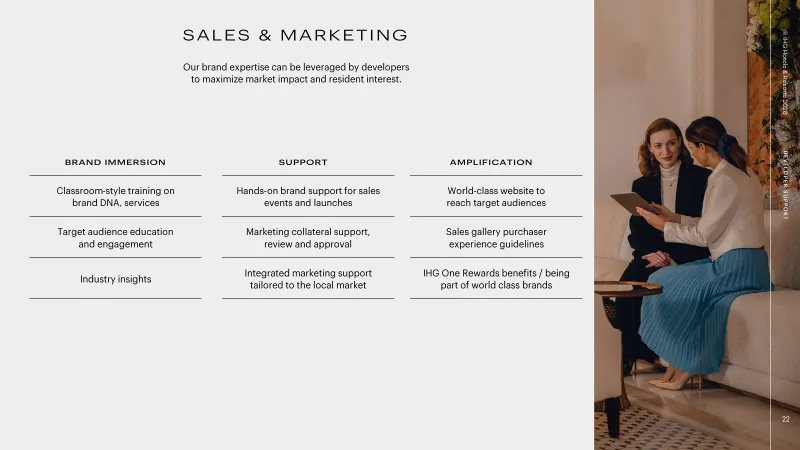

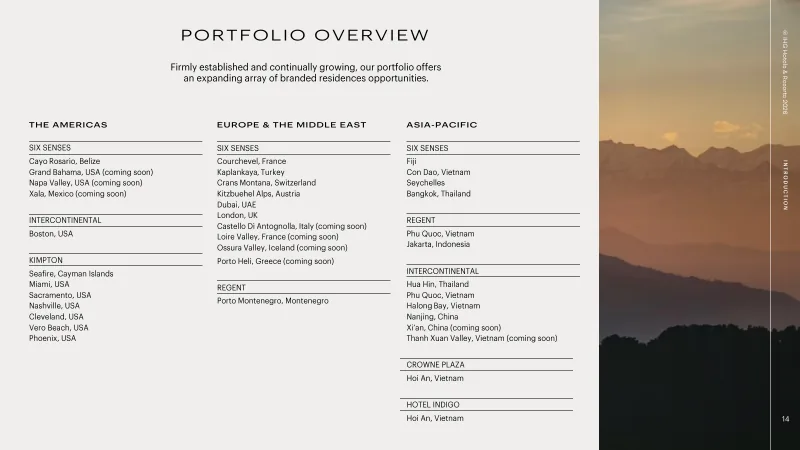
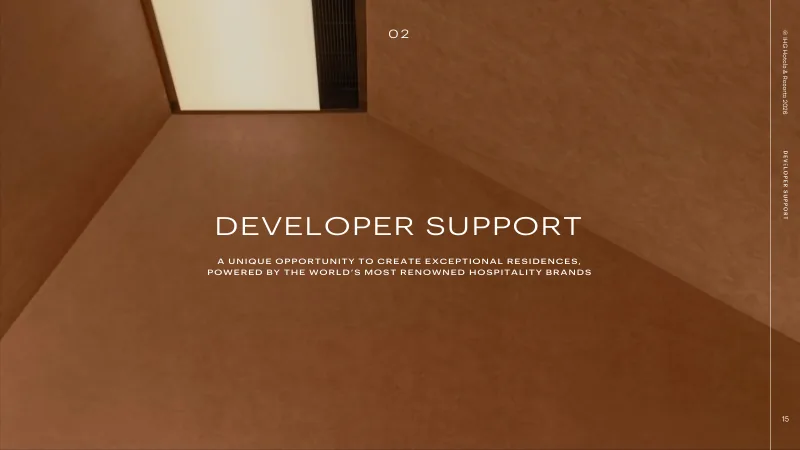
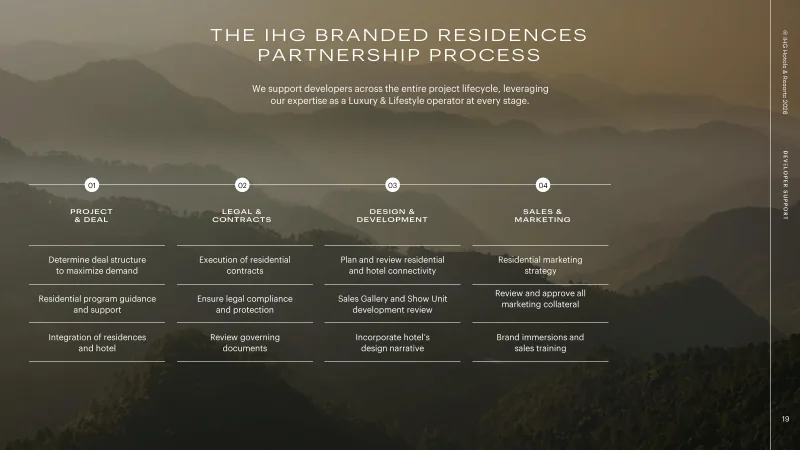
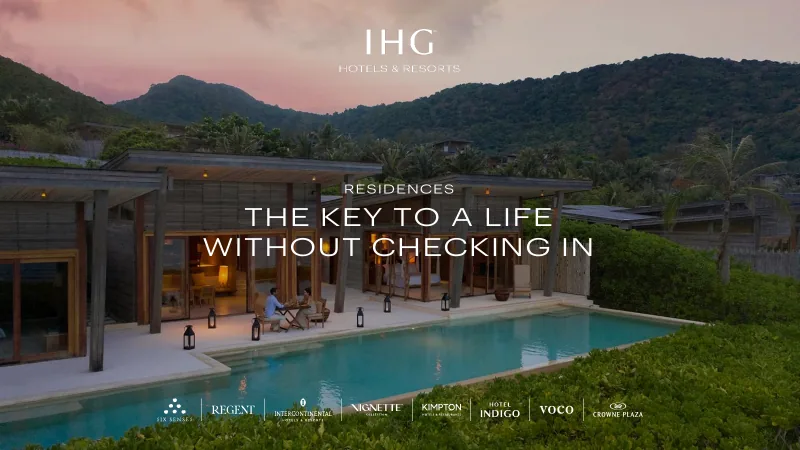
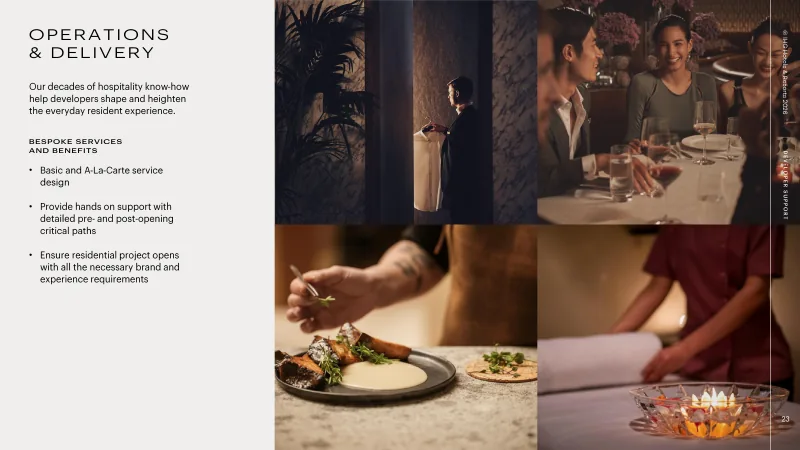
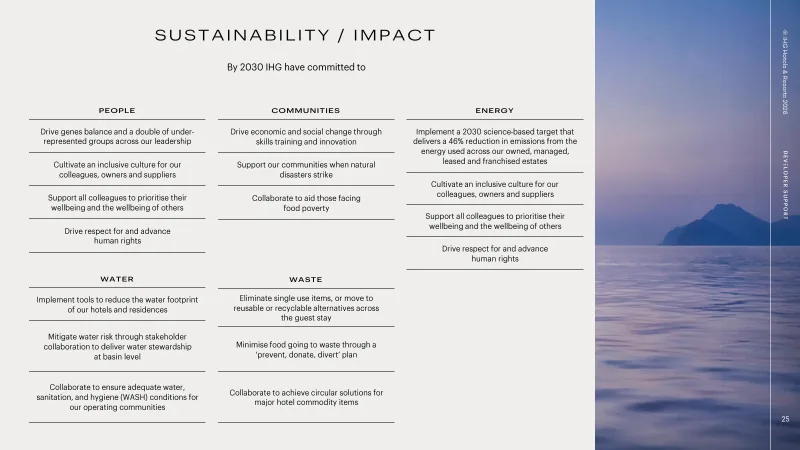
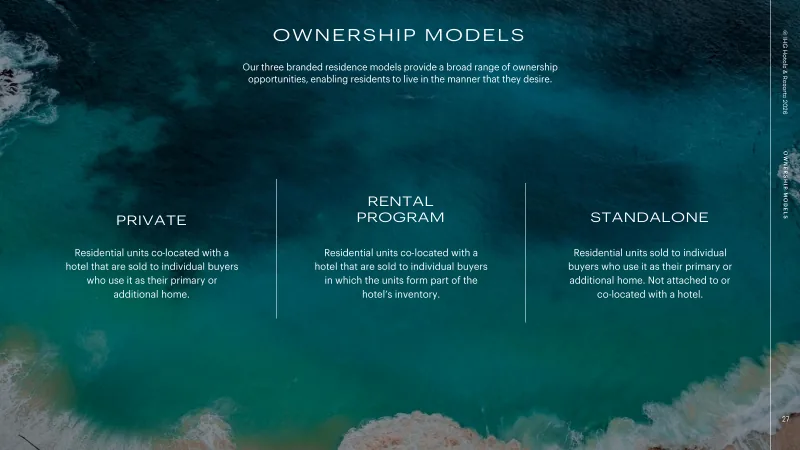
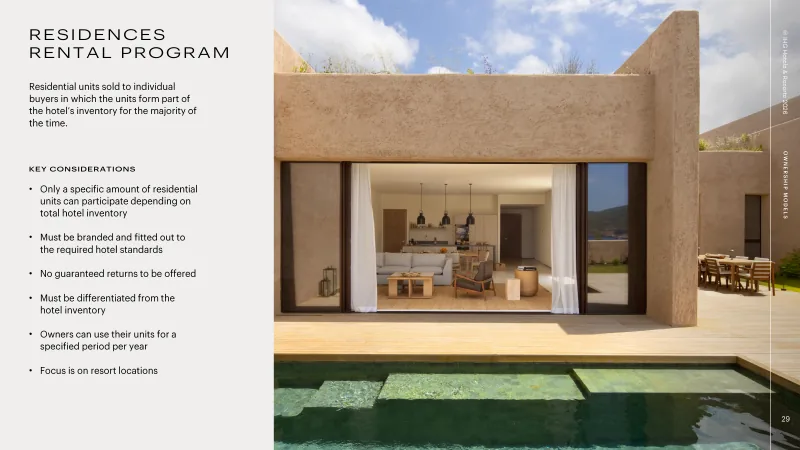
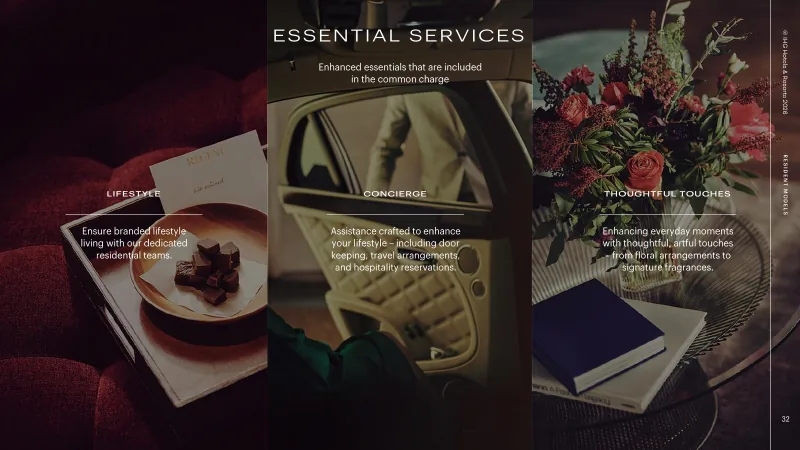
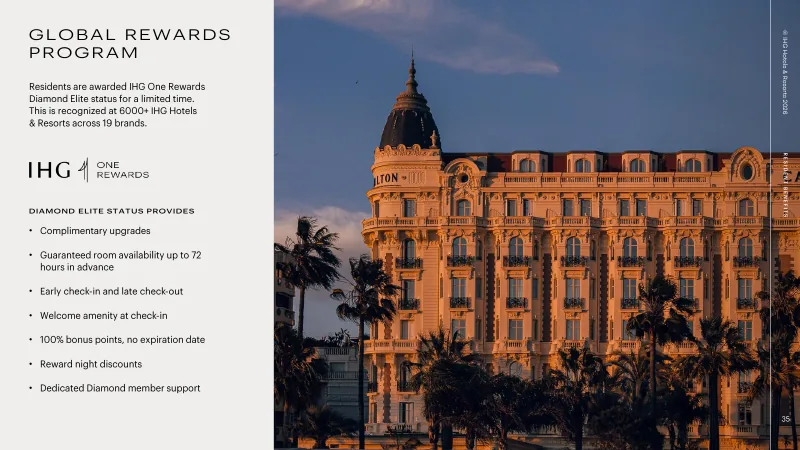
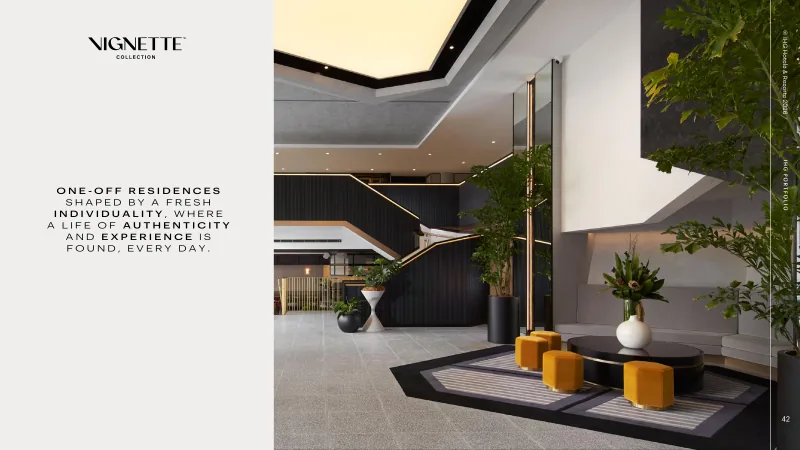
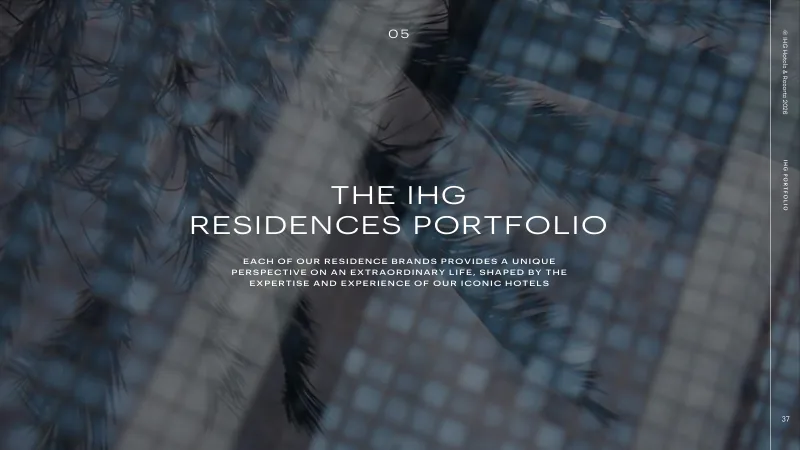
IHG Hotels & Resorts PowerPoint IHG Hotels & Resorts PowerPoint -

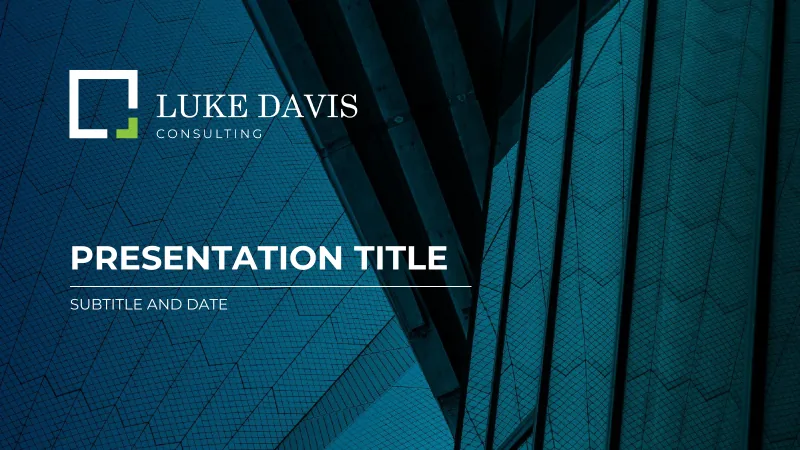
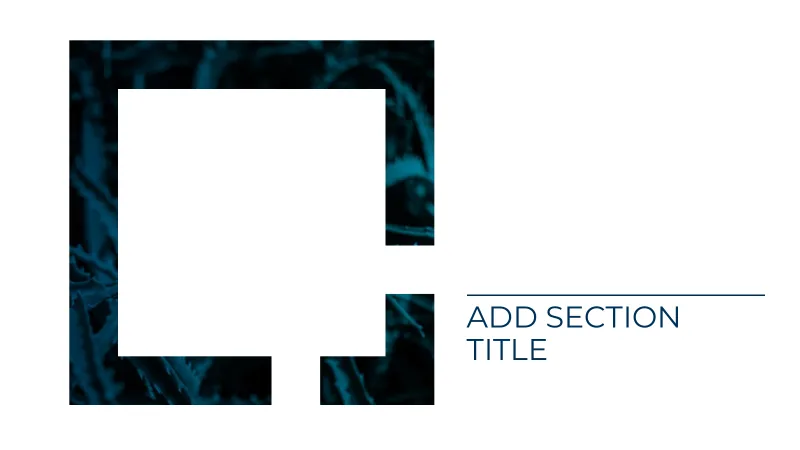
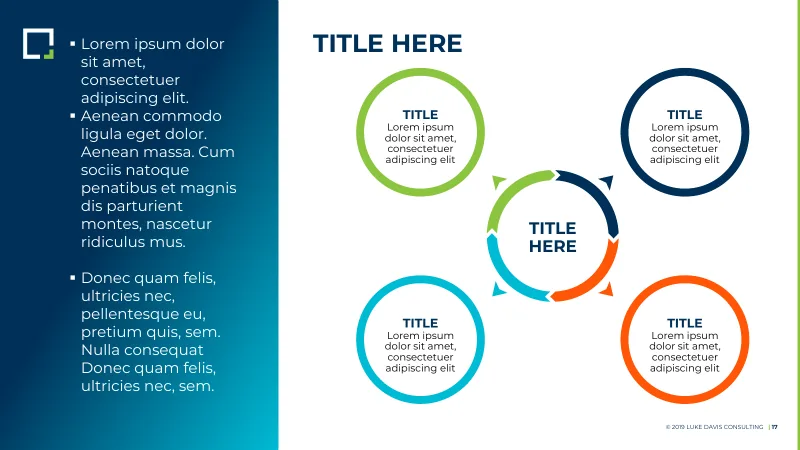
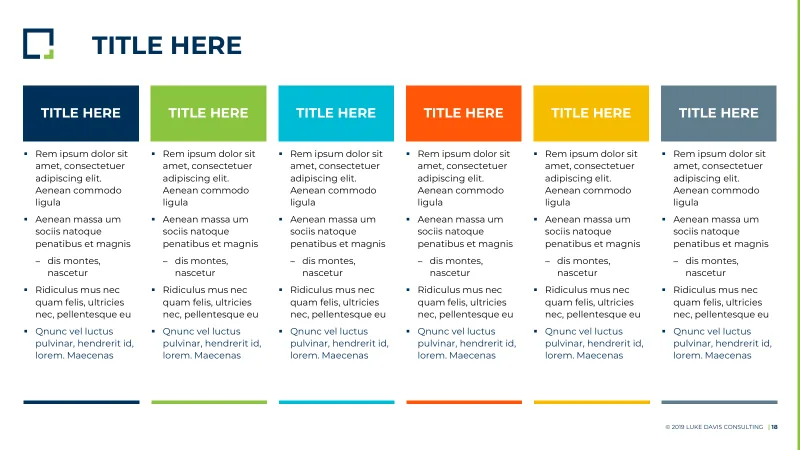
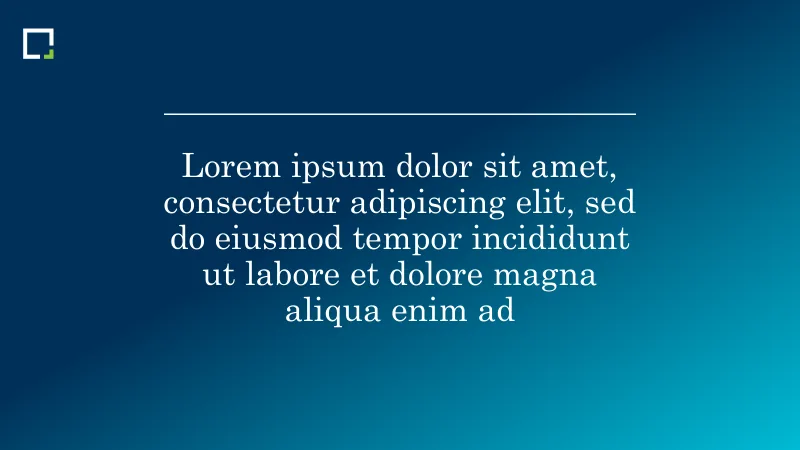
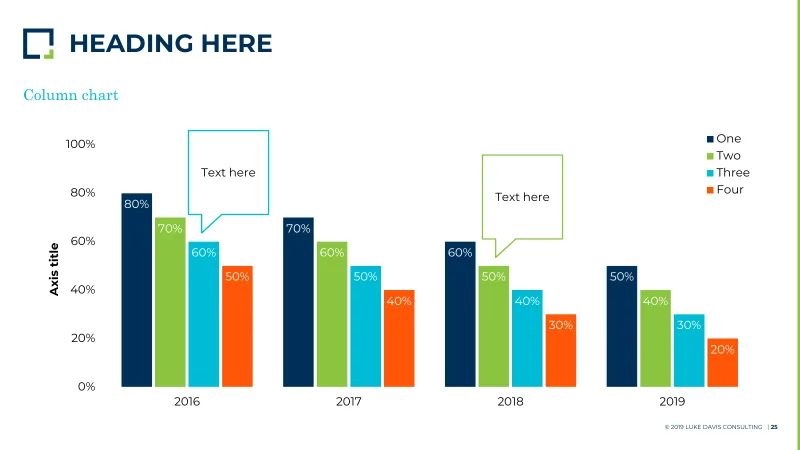

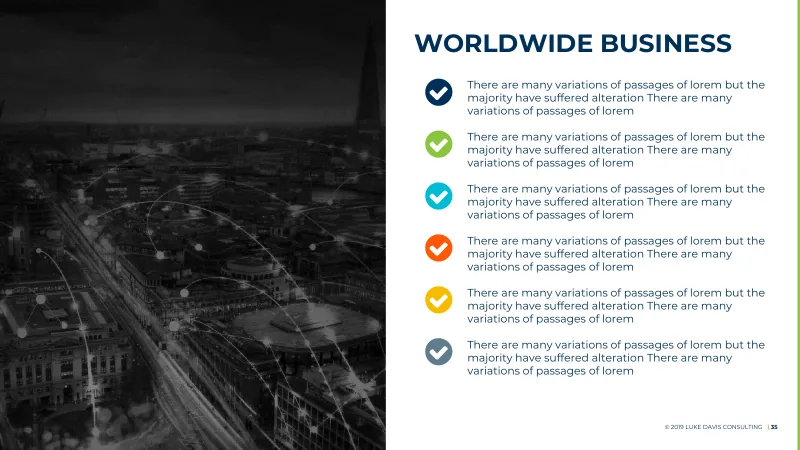
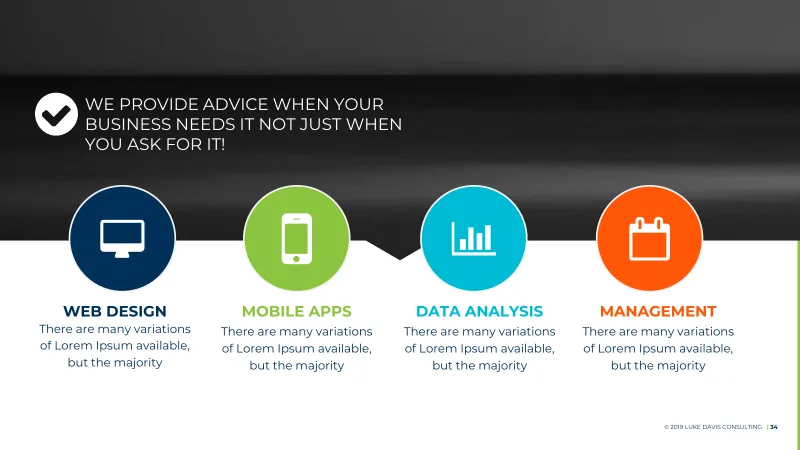
Luke Davis Consulting PowerPoint Luke Davis Consulting PowerPoint -
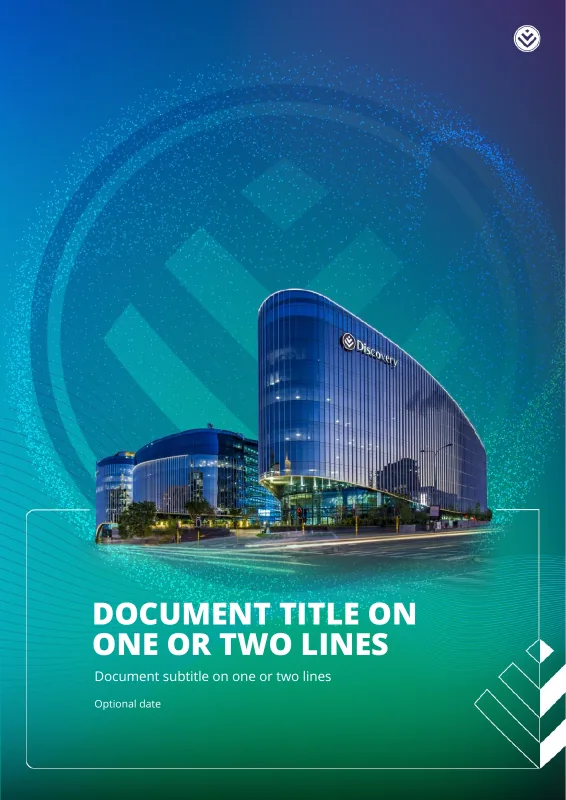
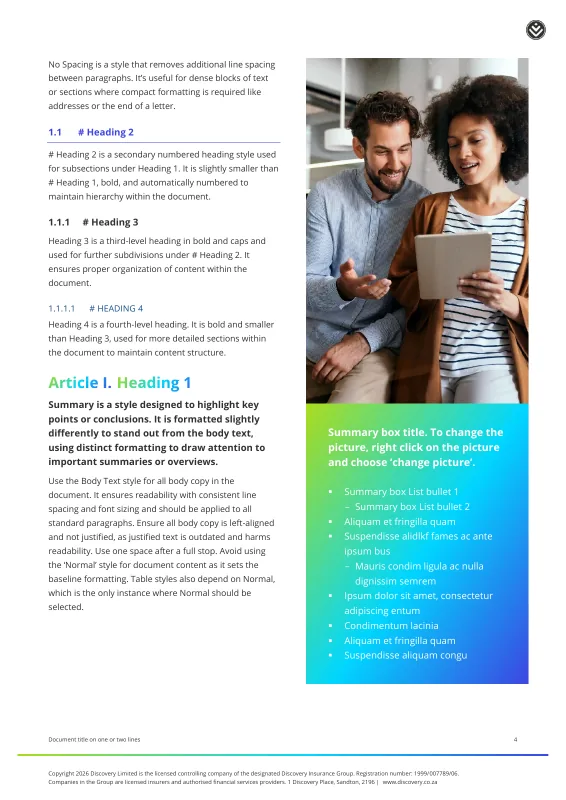
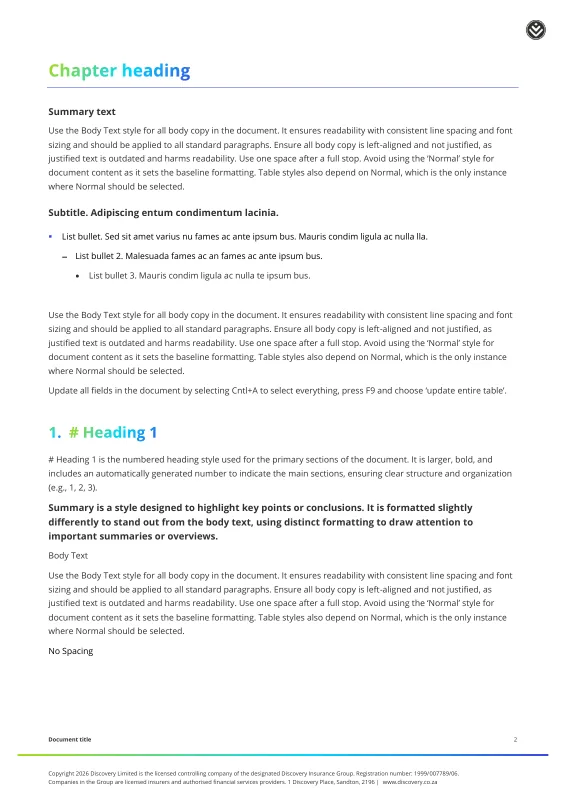
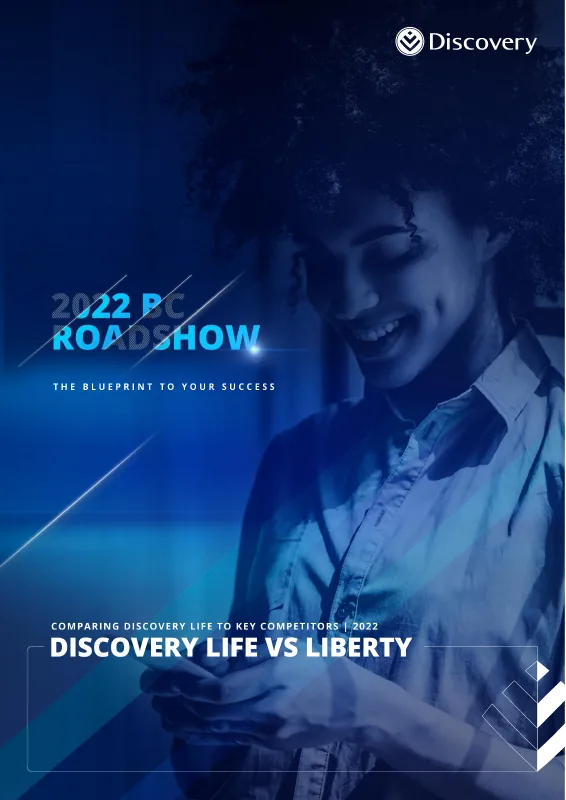
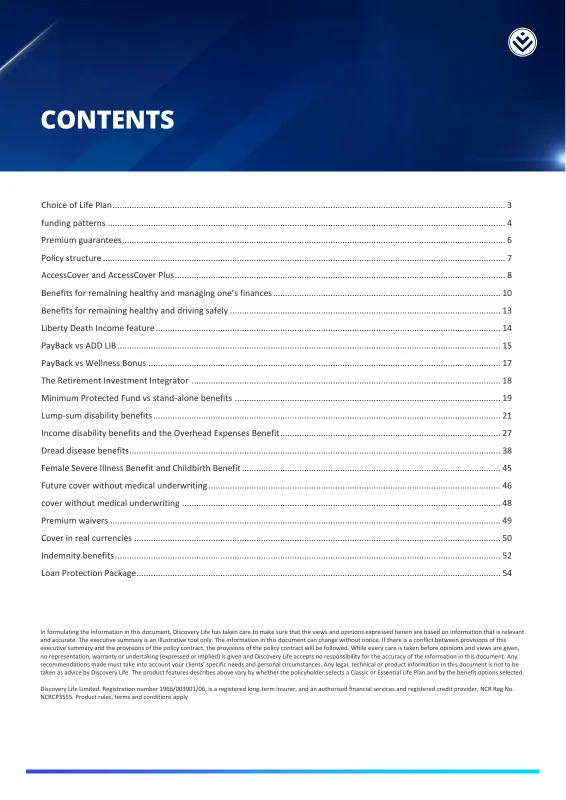
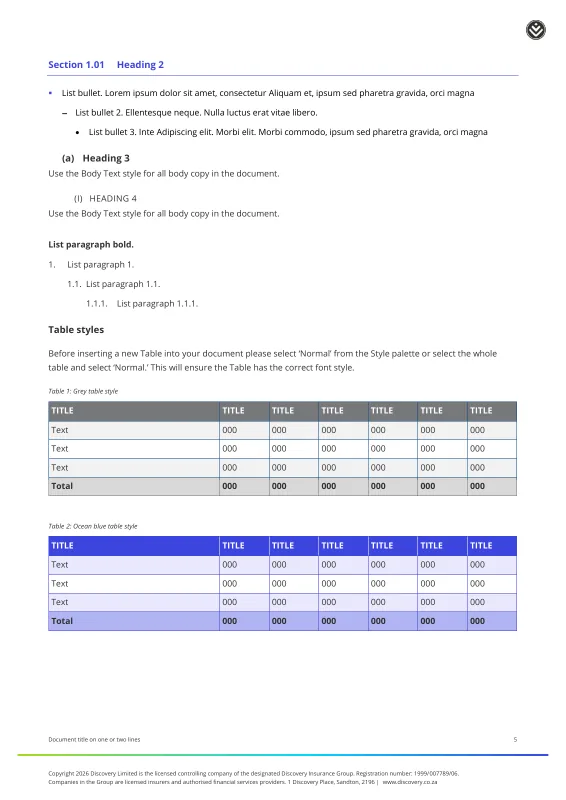

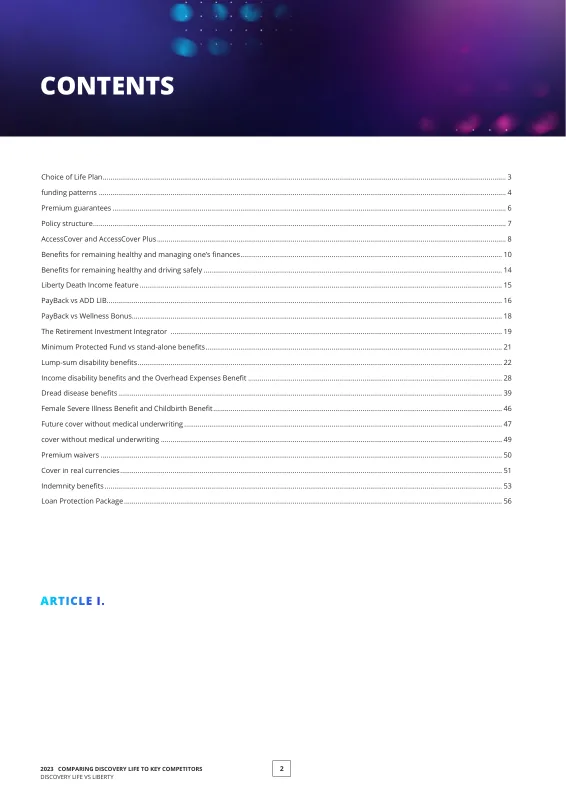
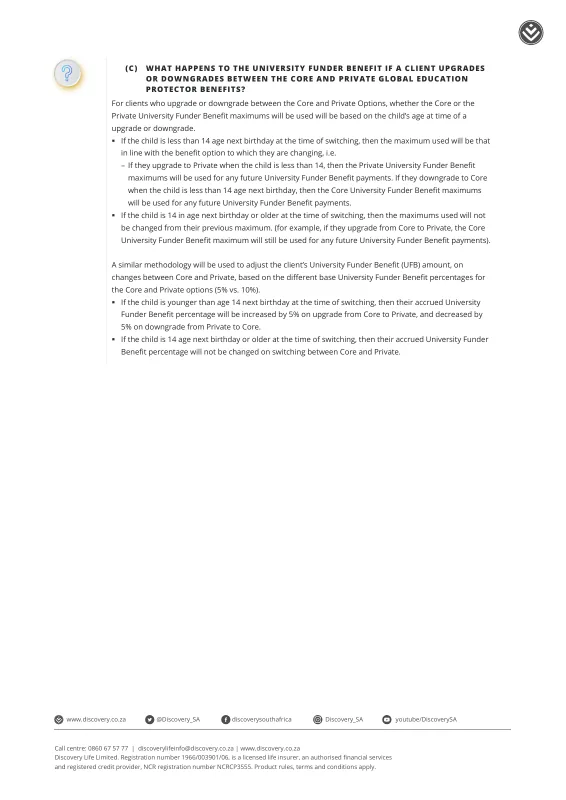
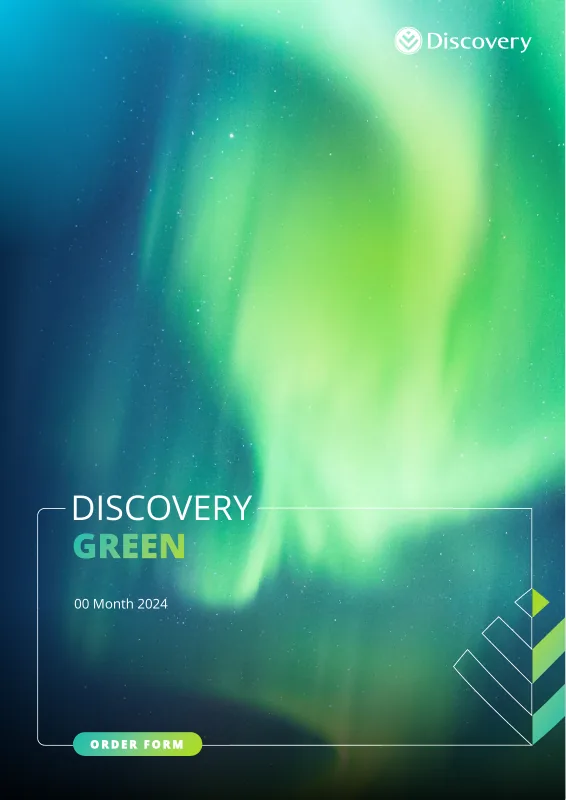
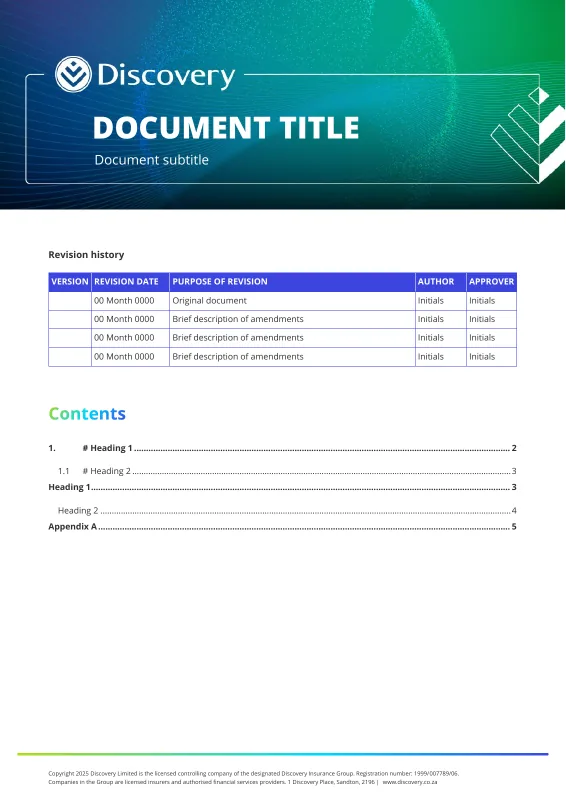
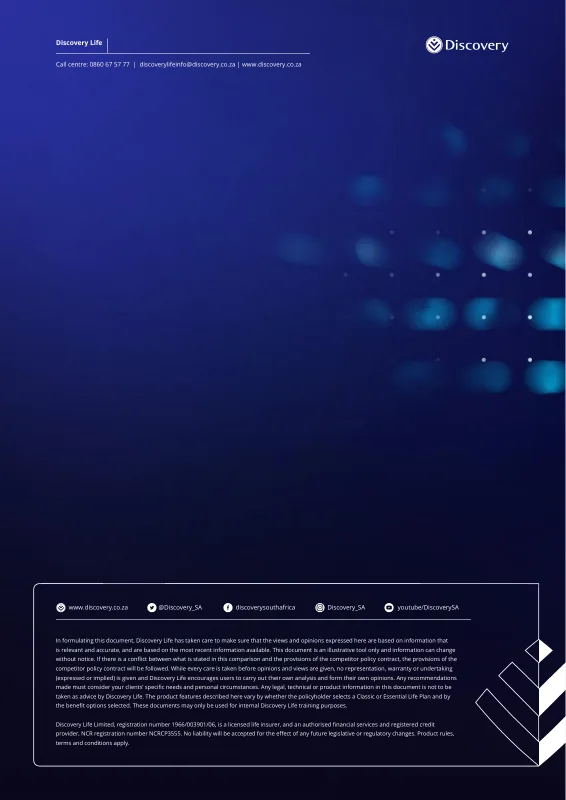
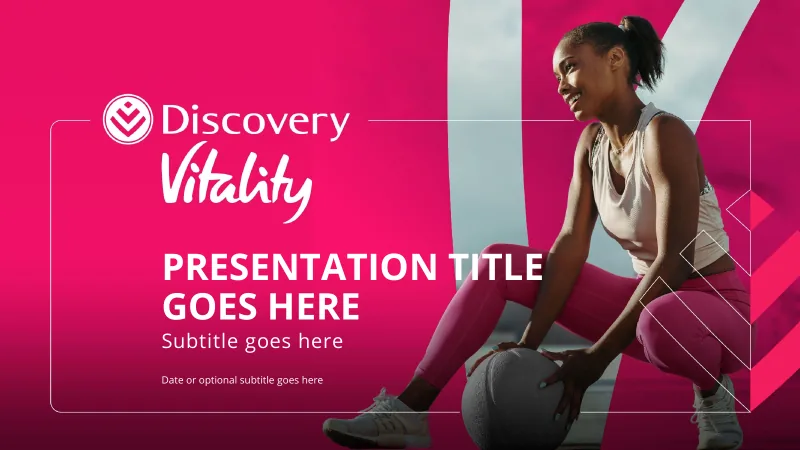
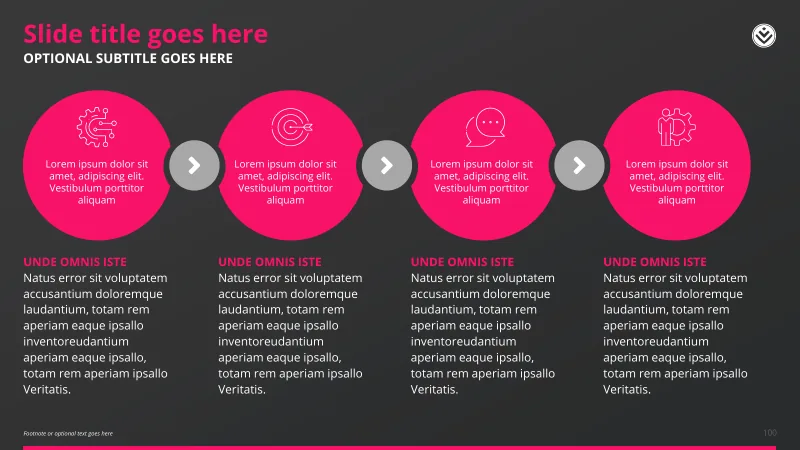
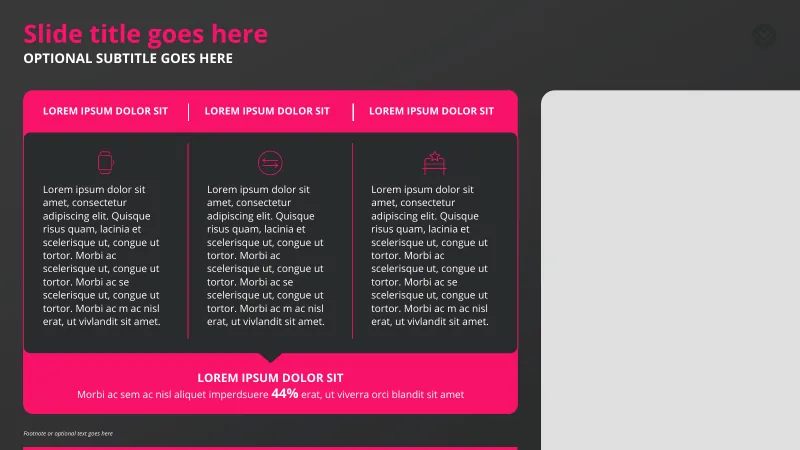
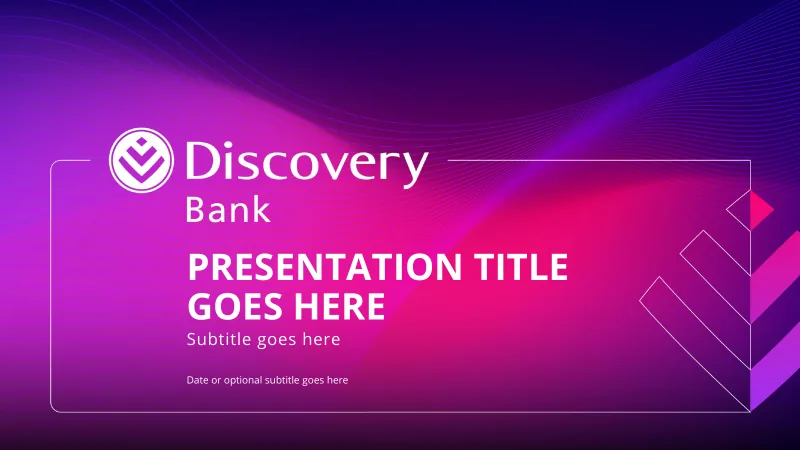
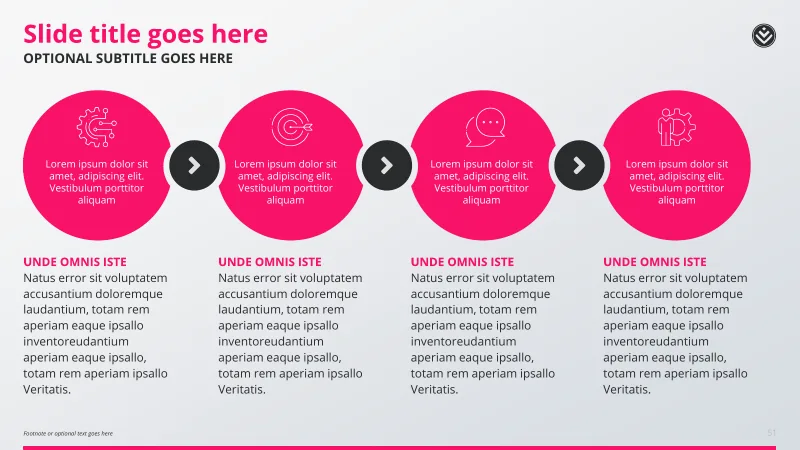
Discovery Word Discovery Word Discovery PowerPoint Discovery PowerPoint -
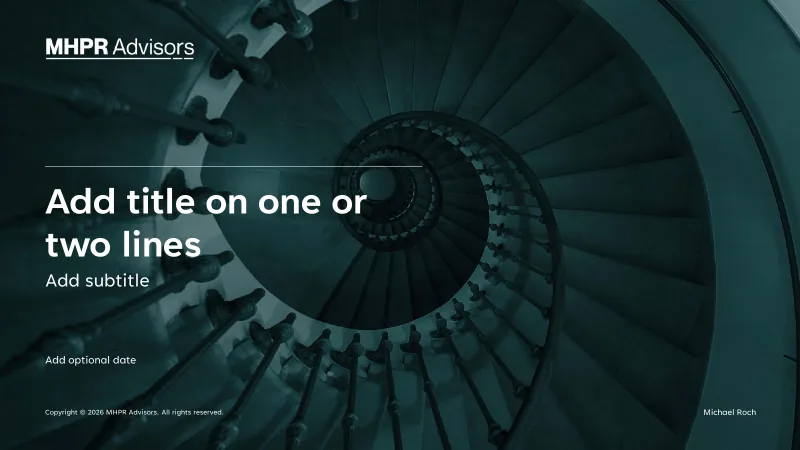
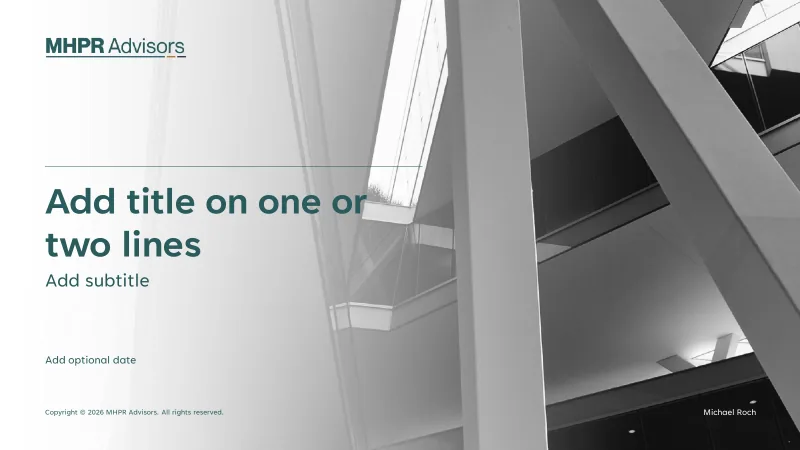
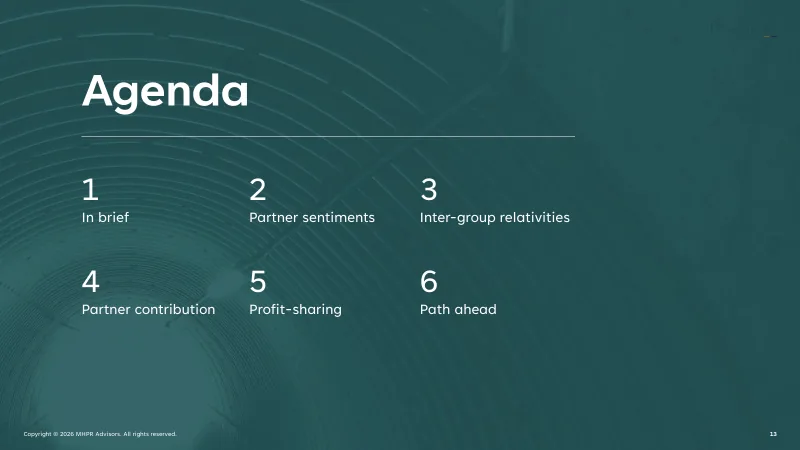
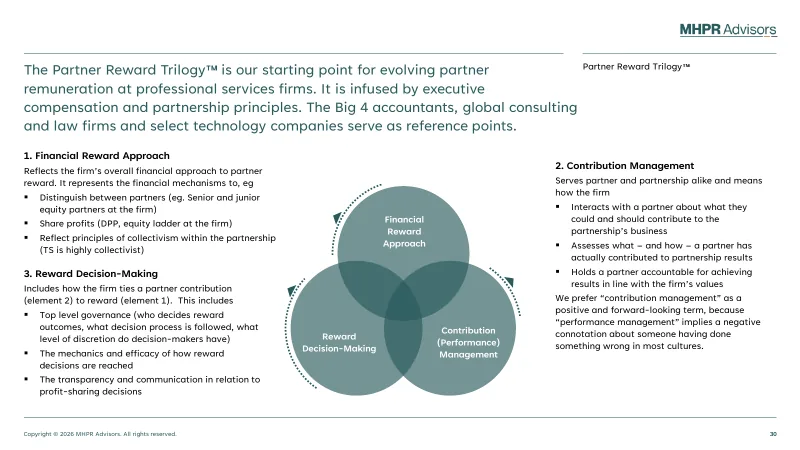
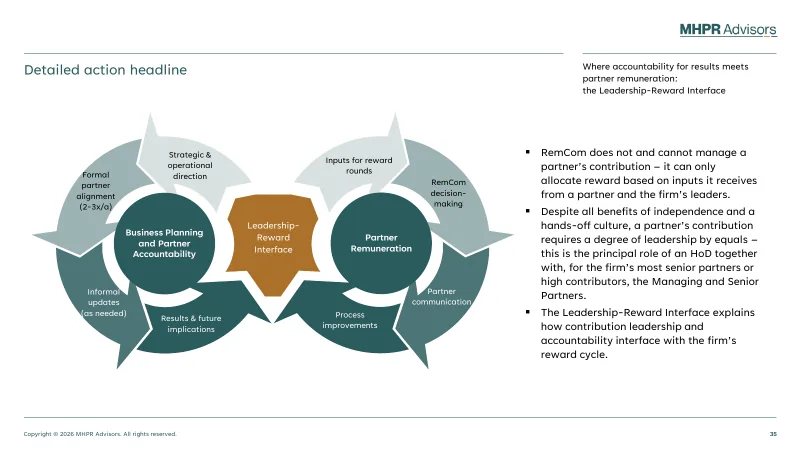
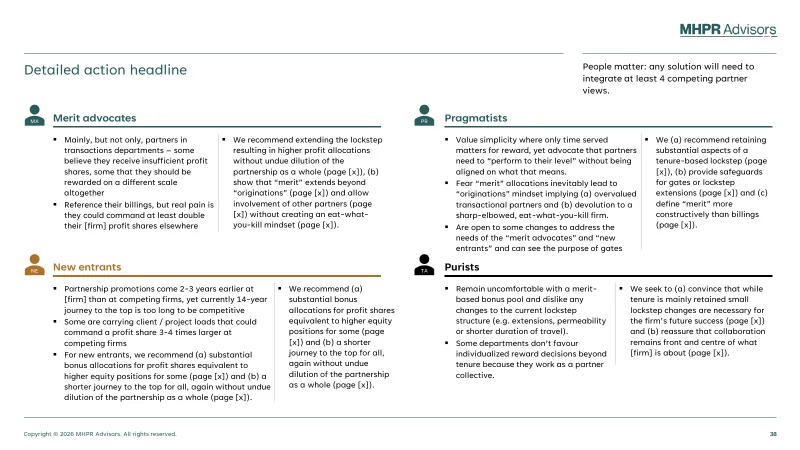
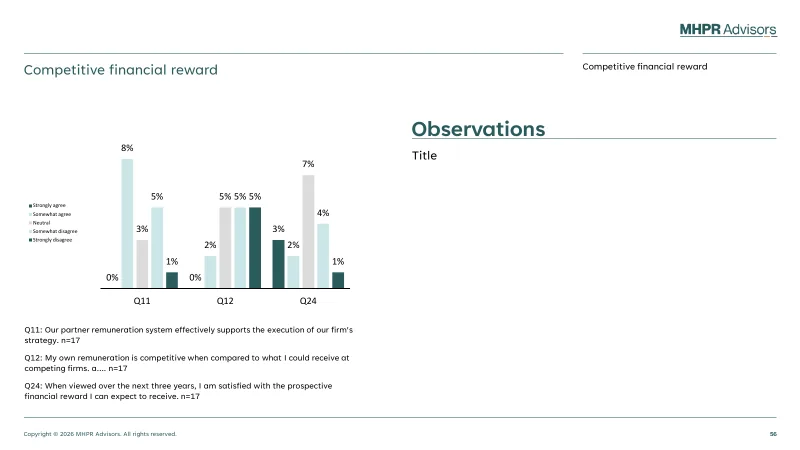
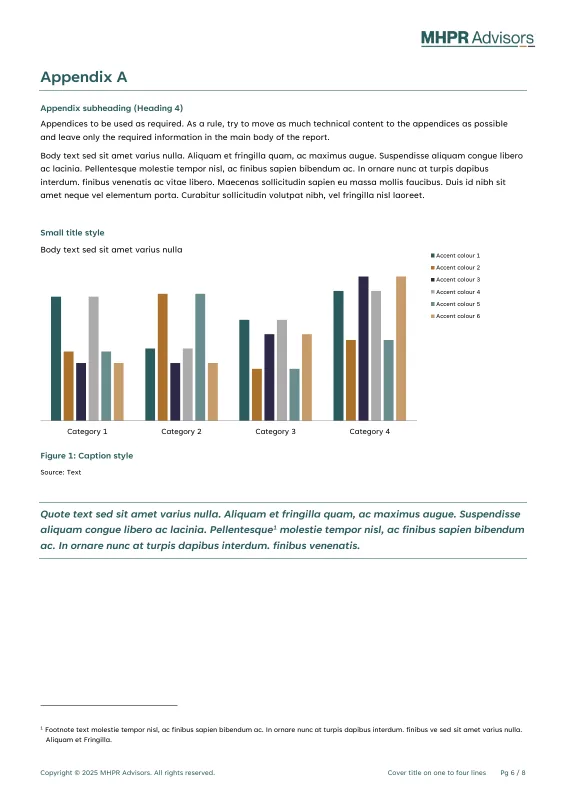
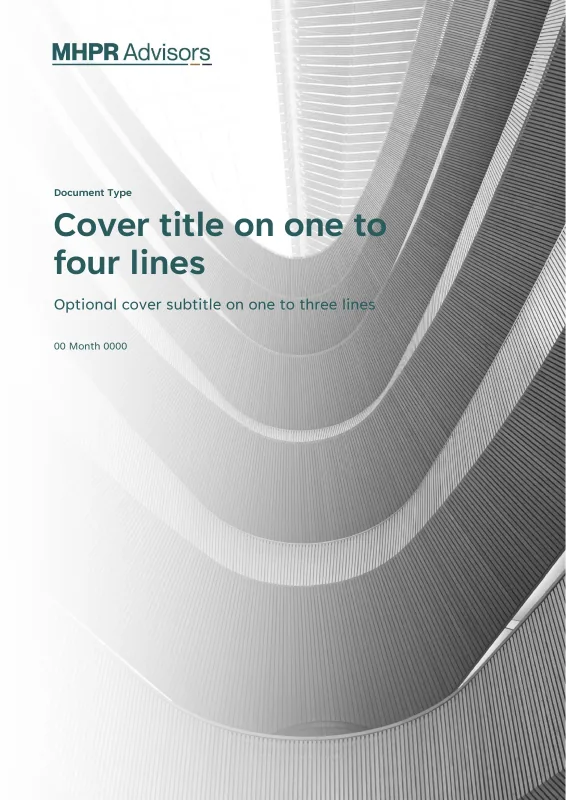
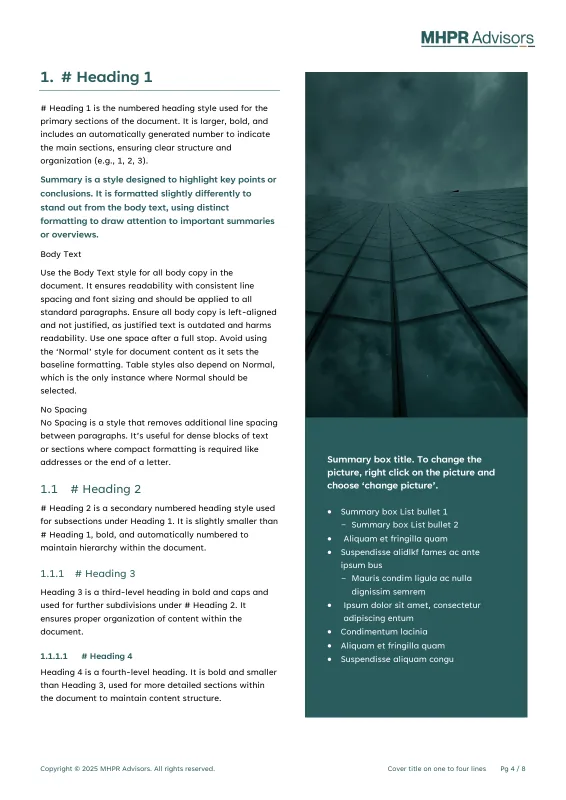
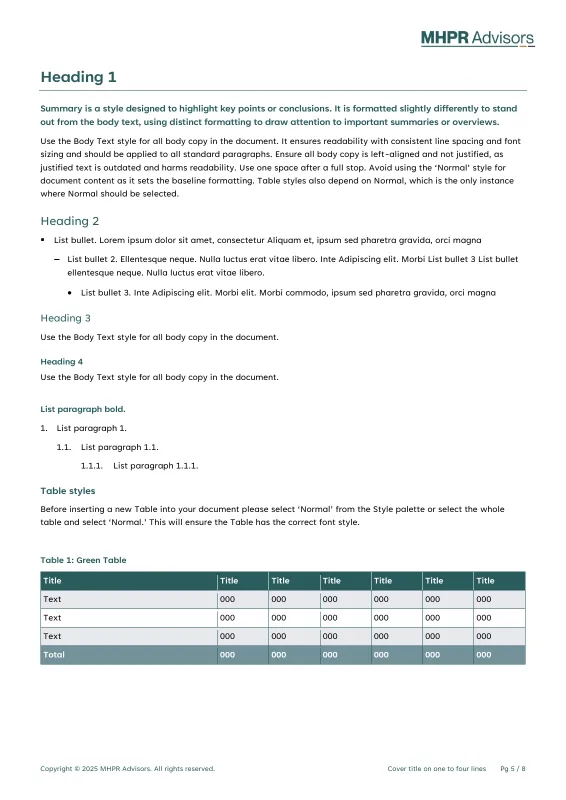
MHPR Advisors PowerPoint MHPR Advisors Word -



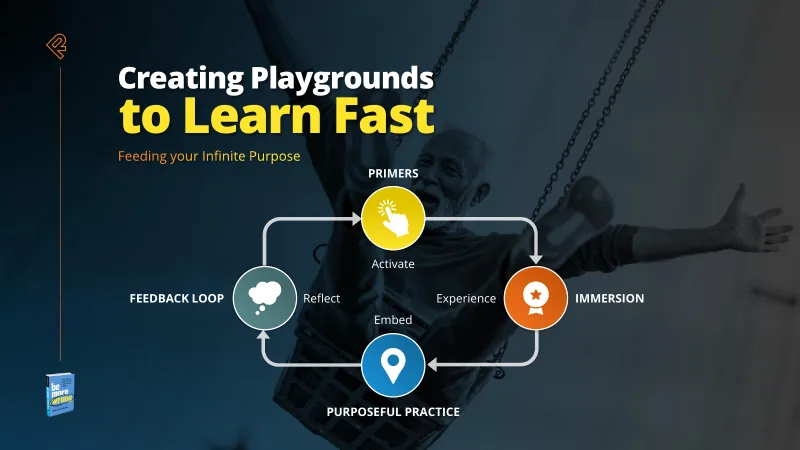
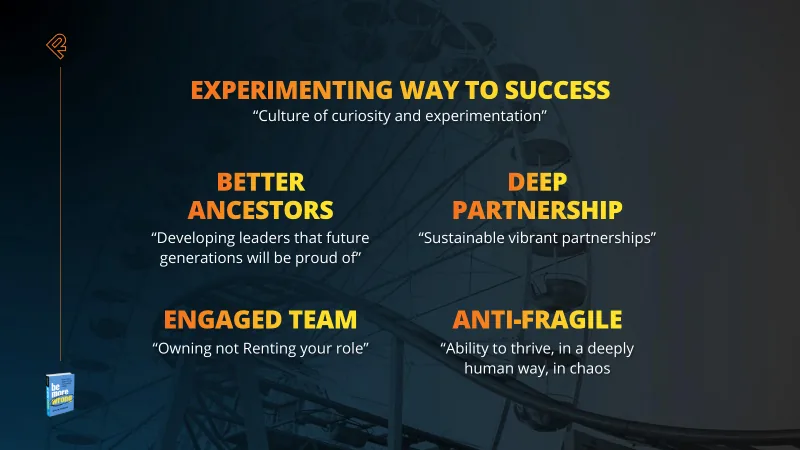
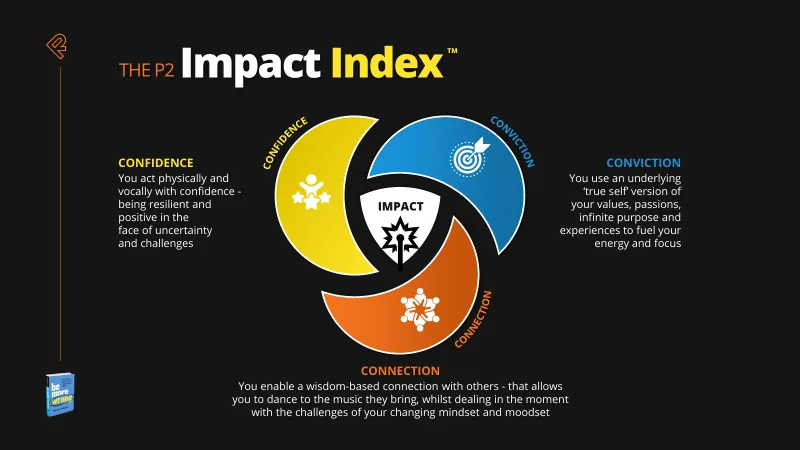
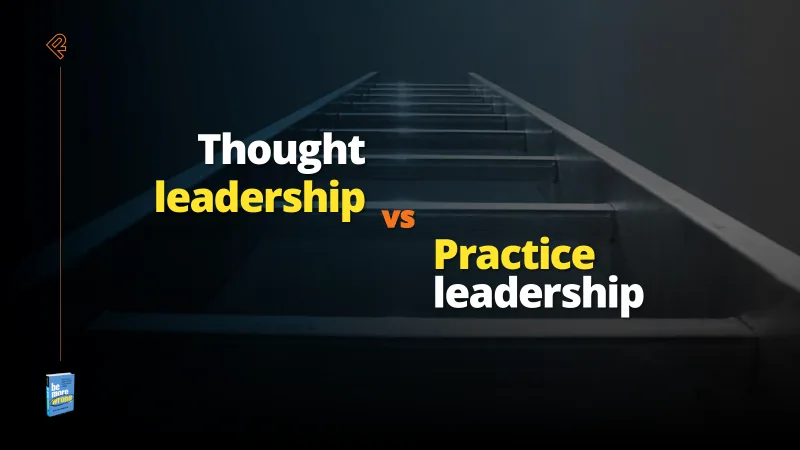
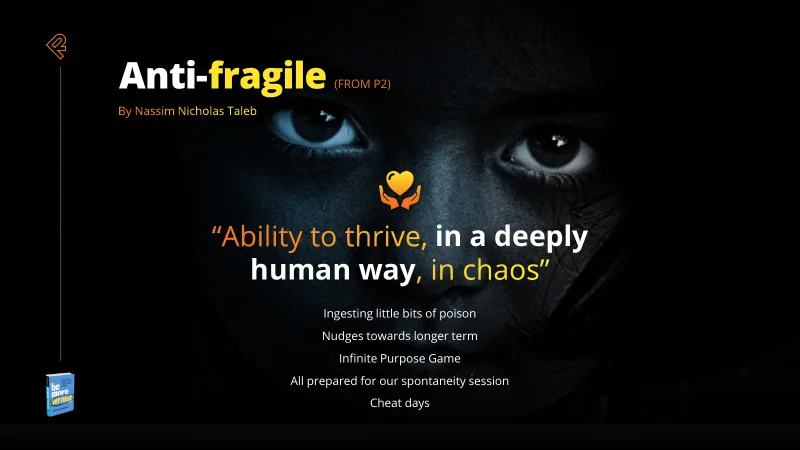
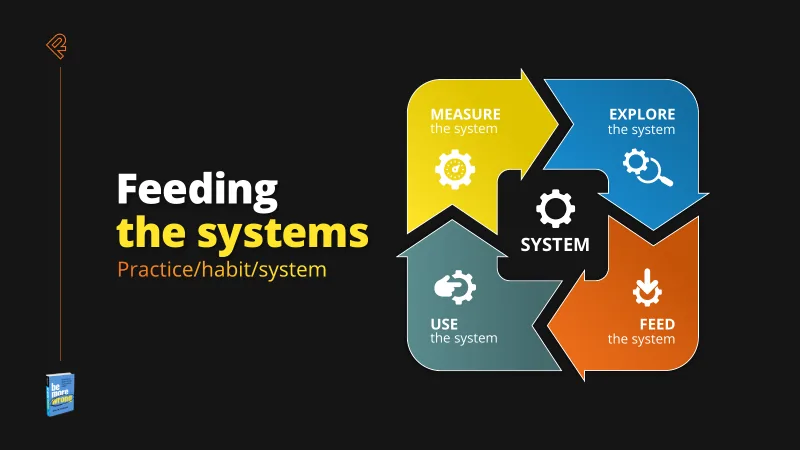
Schouten Global PowerPoint Schouten Global PowerPoint




What clients say
“If you’ve tried doing it yourself before, you’ll understand the complexity of actually getting the base templates right. It’s a very rare skill set to have, and actually deliver something that works. These are more than templates – they are assets and we use them on a daily basis.”
“I needed a series of branded templates for our marketing toolkit, and they had to be user-friendly enough that anyone on our staff could modify them to suit their needs. Deb’s designs not only look great and fit our brand, they are thoughtfully created and flexible enough to suit all of our use cases.”
“Worker Ant were the perfect company to redesign and update all of our office templates. They provided a good balance of artistic design and technical knowhow to build beautiful and robust templates. They were responsive and friendly throughout the design process, providing brilliant suggestions and incorporating our feedback.”
Start a project
Make your templates ready for the way your teams work
Share your current templates and tell us which Microsoft 365 or Google Workspace features your teams use. We’ll review the structure, brand consistency and practical changes needed.
We reply within one working day.