Templates & design
Accessible document templates that stay accessible in everyday use
Accessibility in Word, PowerPoint and PDF is mostly structural. We build it into the template (headings, reading order, alternative text, contrast and export settings), so the documents your teams create start from a stronger foundation for accessible documents, rather than being fixed afterwards.
Why accessibility has to start in the template
Most inaccessible documents aren’t the result of carelessness. They’re the result of templates that make the inaccessible route the easy one: headings that are just bold text, content in floating text boxes, tables built for layout, logos and charts with no text alternative, and brand colours that were never checked for contrast.
A screen reader can only follow the structure a document actually has. If the template doesn’t provide that structure, every author has to add it by hand, and most won’t know how.
Public sector bodies are required to publish accessible documents, and accessibility is increasingly part of procurement and tender requirements elsewhere. Building it into the template is the most practical way to achieve it across your organisation.
What we build in
Accessibility is designed into the template system itself, so authors get it right without needing to be accessibility specialists.
- 01
Real heading structure
Proper heading styles in a logical order, so screen reader users can navigate and PDFs generate bookmarks automatically.
- 02
Reading order
PowerPoint layouts with placeholders in the right order and no stray text boxes, so slides read the way they look.
- 03
Alternative text
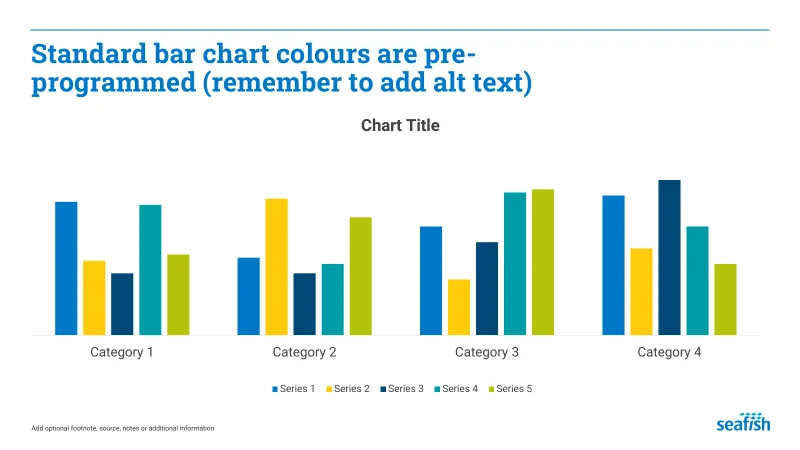
Image and chart placeholders that prompt for alt text, with decorative elements marked so they’re skipped.
- 04
Colour and contrast
Brand palettes checked with the aim of meeting WCAG contrast guidelines, with accessible text and chart colour combinations built in.
- 05
Accessible tables
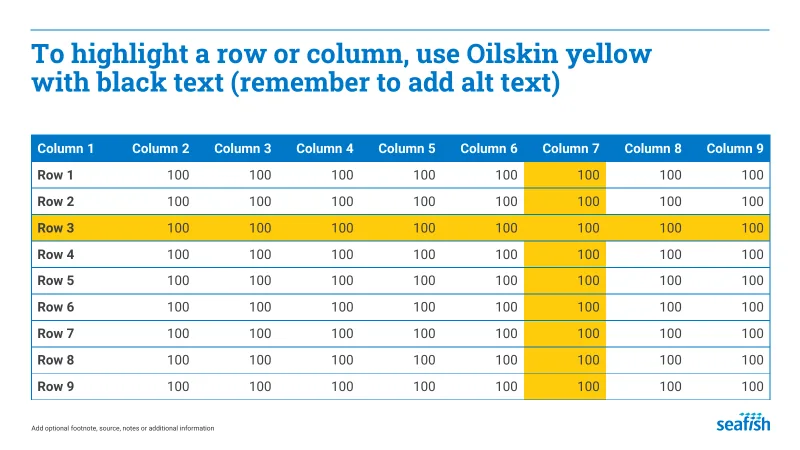
Table styles with proper header rows that repeat across pages, and no merged-cell layouts that confuse assistive technology.
- 06
Accessible PDF export
Document titles, language and structure are configured to support tagged PDF export, with appropriate export settings and accessibility checks.
Fixing documents that already exist
New templates solve the problem going forward. Existing documents still need attention.
As part of document standardisation and makeover work, we can rebuild existing files on accessible templates. We replace manual formatting with real styles, restore heading order, add alternative text and correct tables, so the documents you already publish are brought up to the same standard.
How it works
- Step 01
Accessibility review
We review your current templates and a sample of real documents against accessibility requirements, using Microsoft’s Accessibility Checker alongside manual checks.
- Step 02
Build or fix
We build accessible template systems, or rebuild existing documents on them, with structure, contrast and export settings designed in.
- Step 03
Guidance and handover
Authors get short, practical guidance on keeping documents accessible: which styles to use, how to add alt text, and how to export correctly.
Selected work
Recent work
-

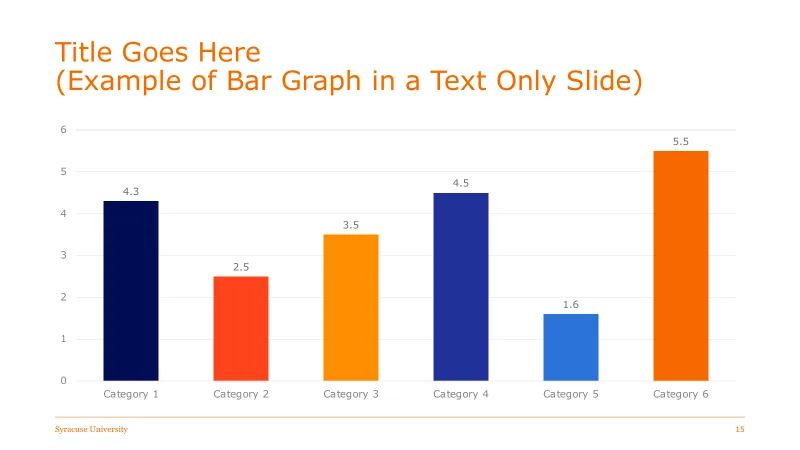



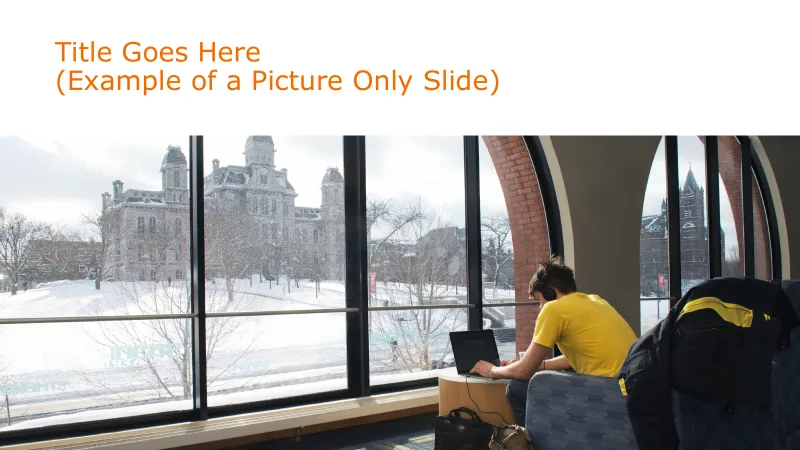
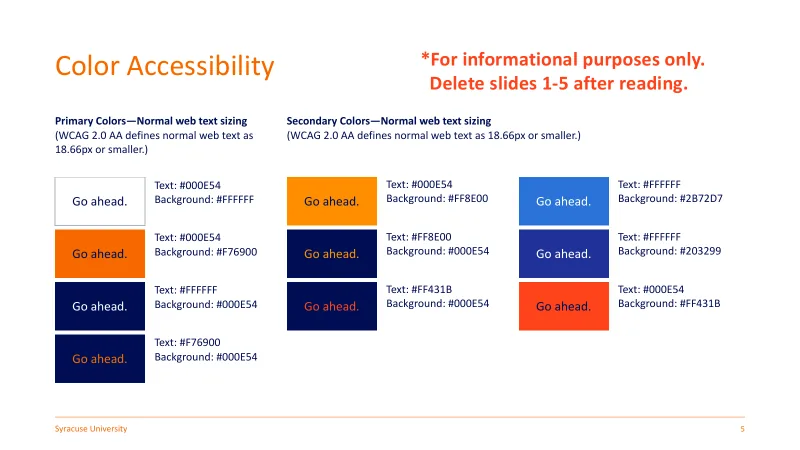
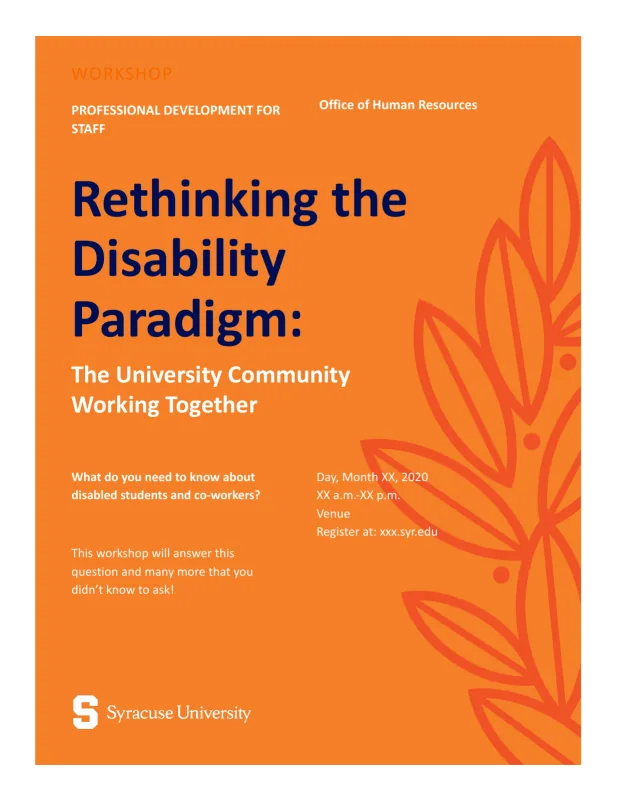
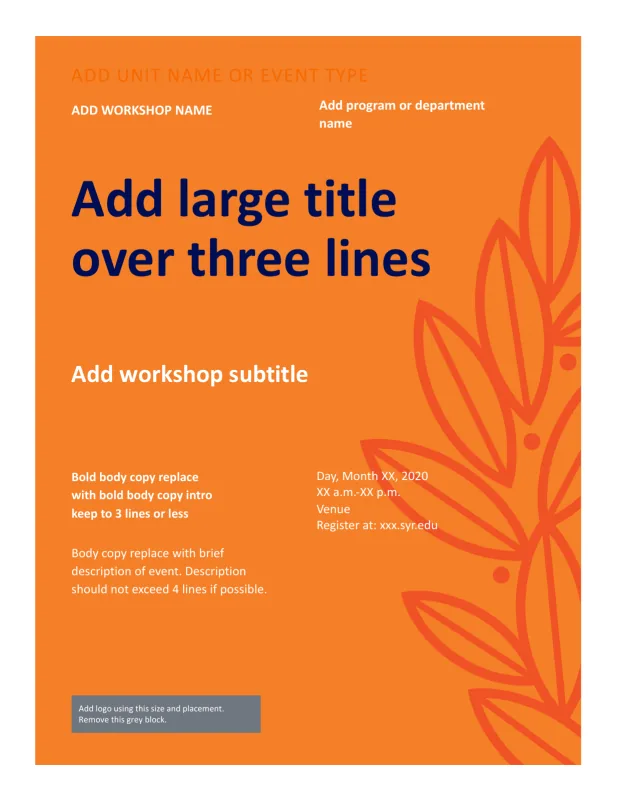
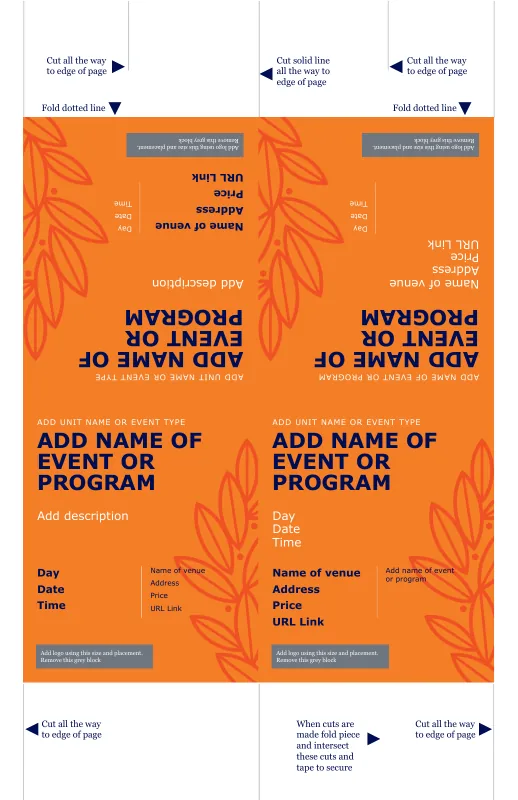
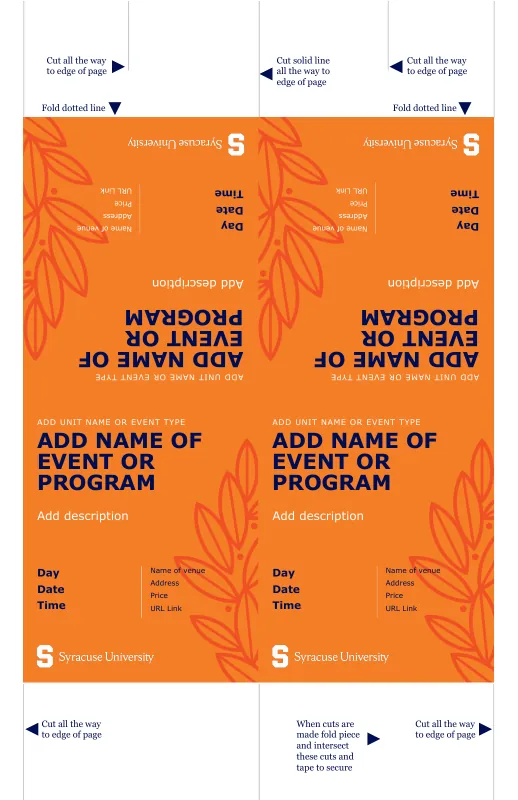
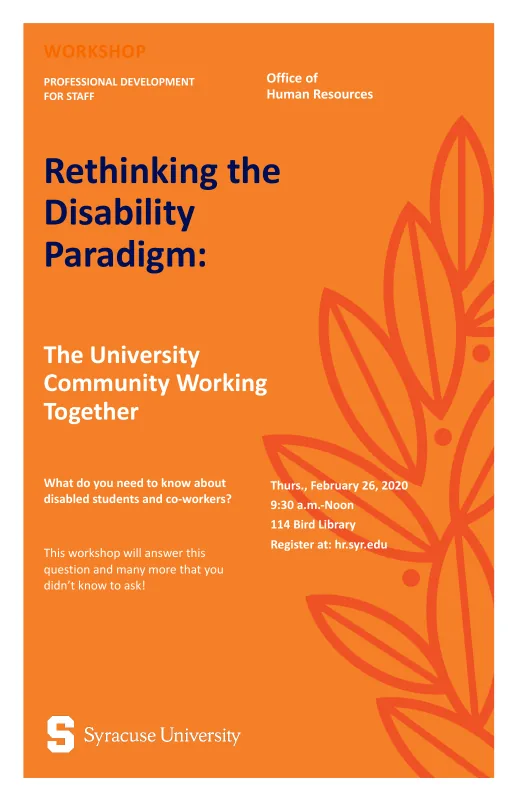
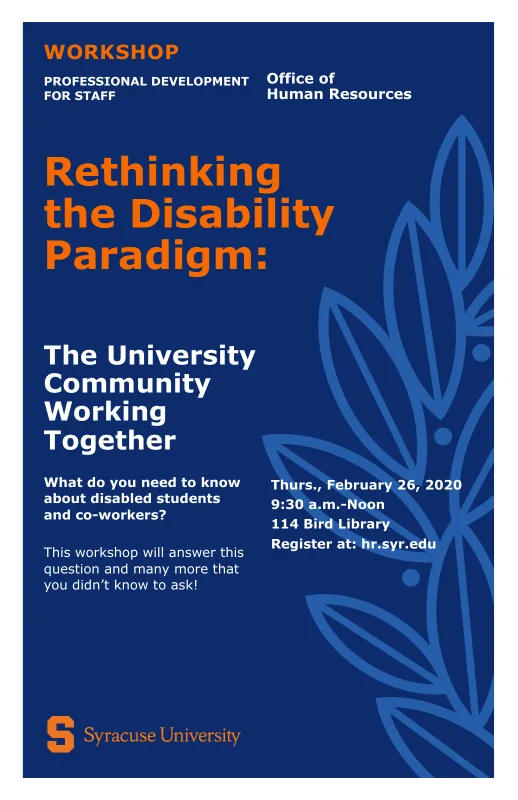
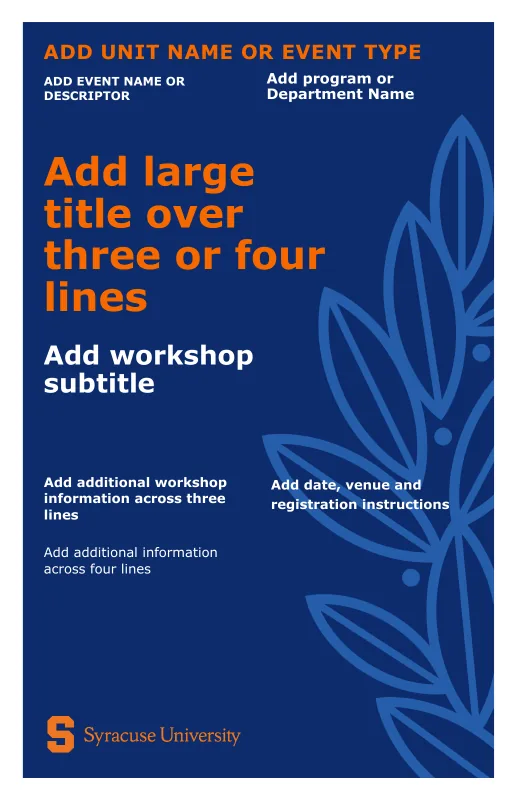
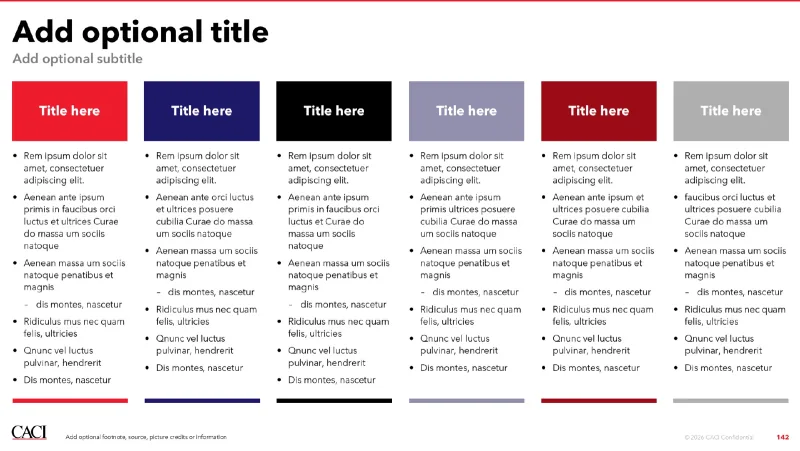
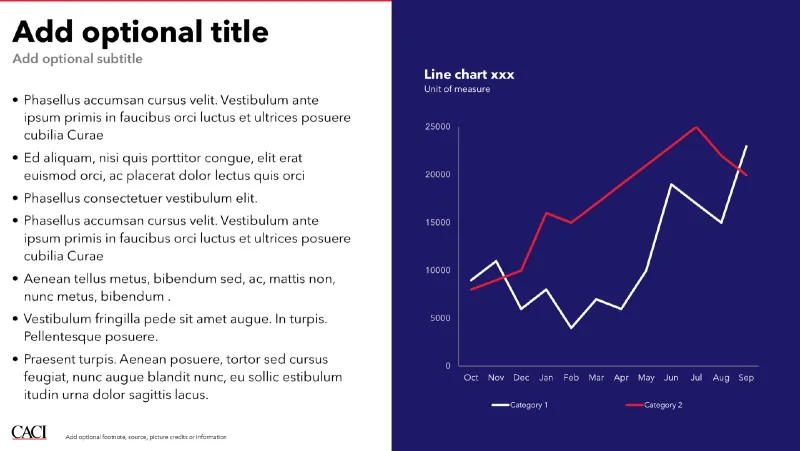
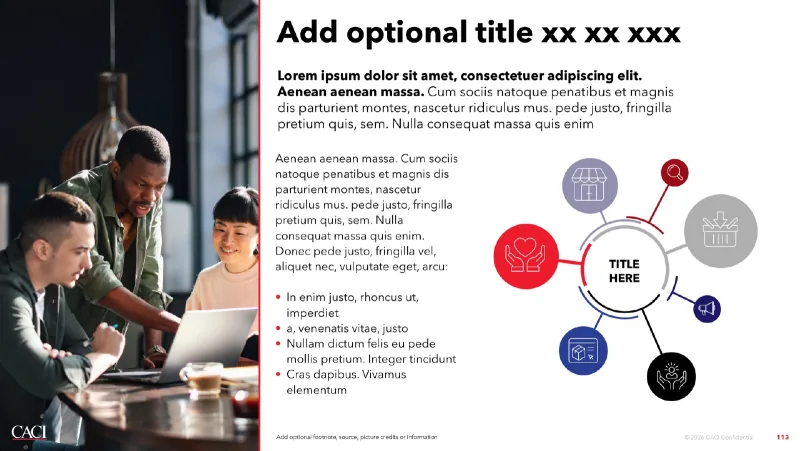
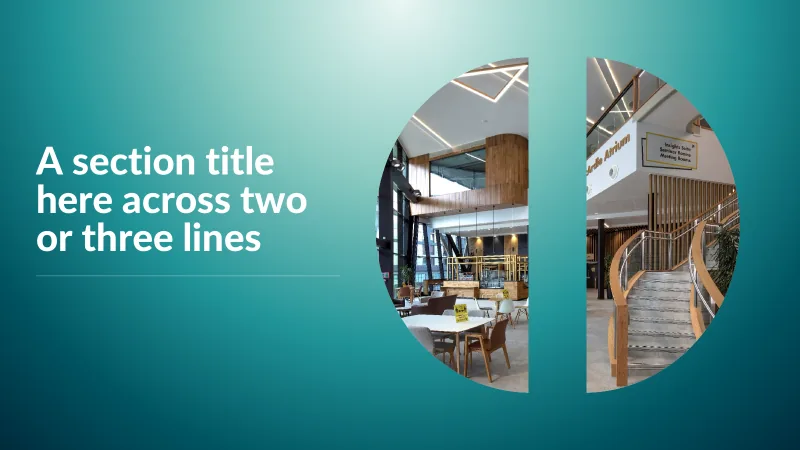
Syracuse University PowerPoint Syracuse University PowerPoint -
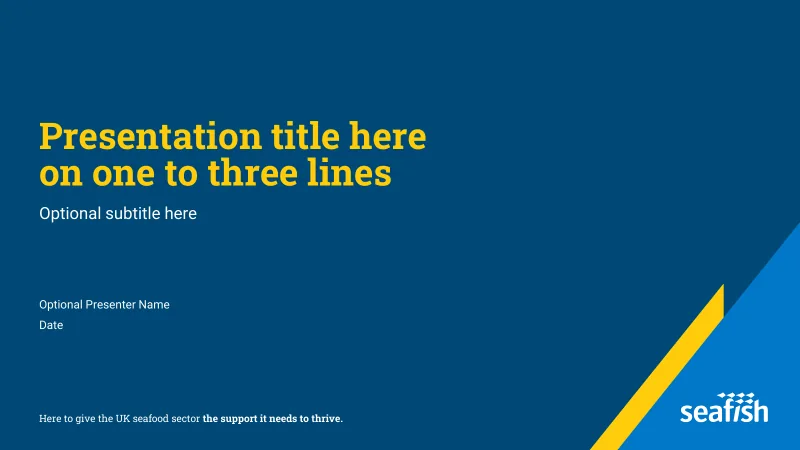
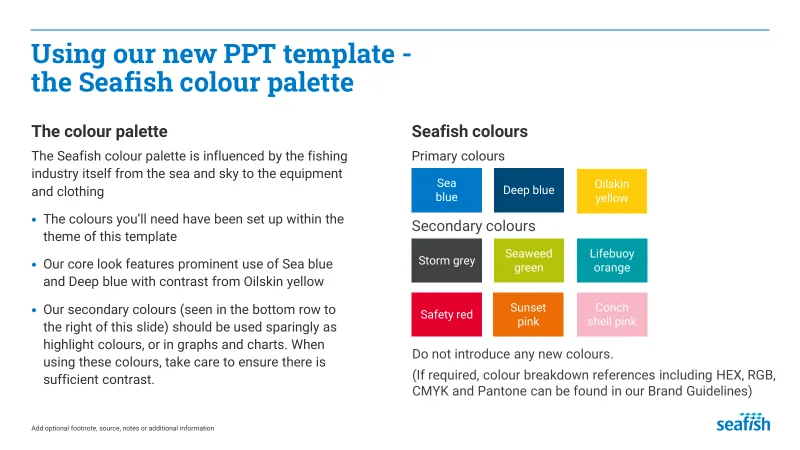

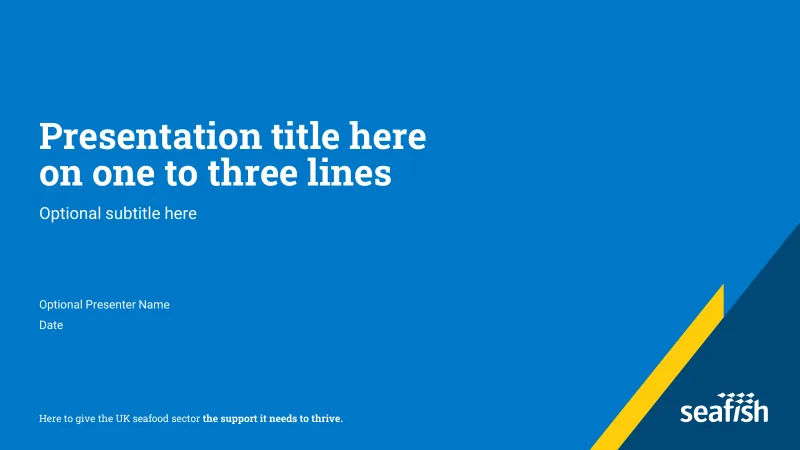
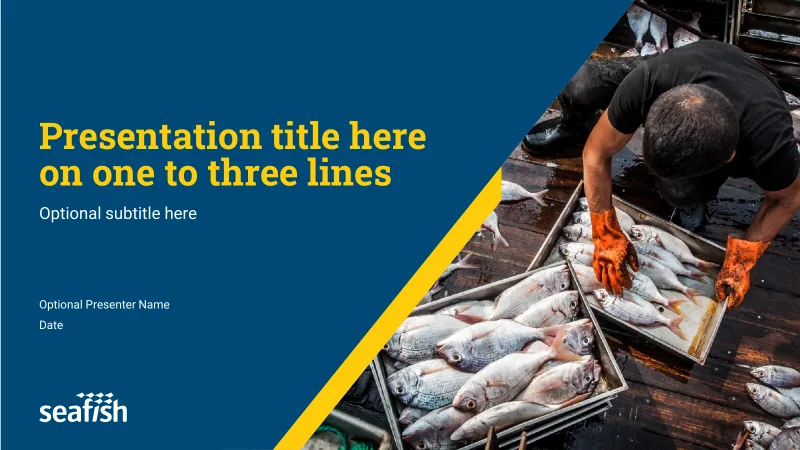
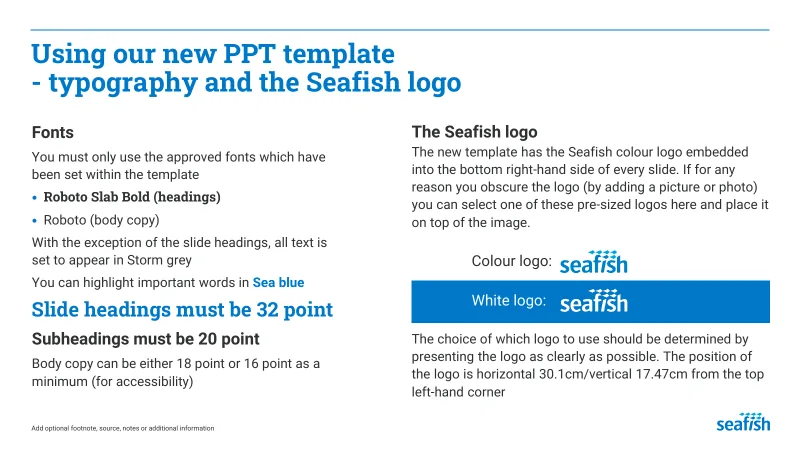
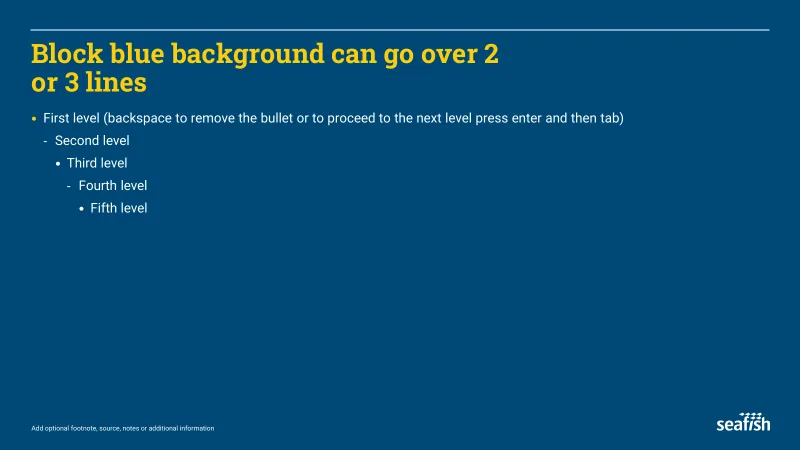
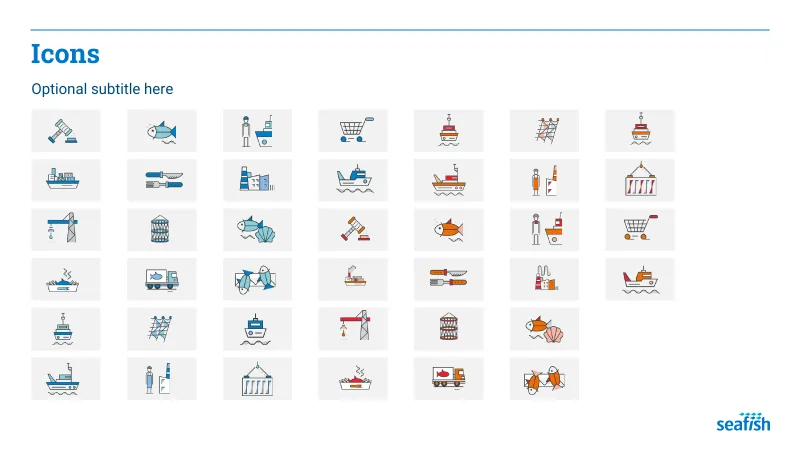
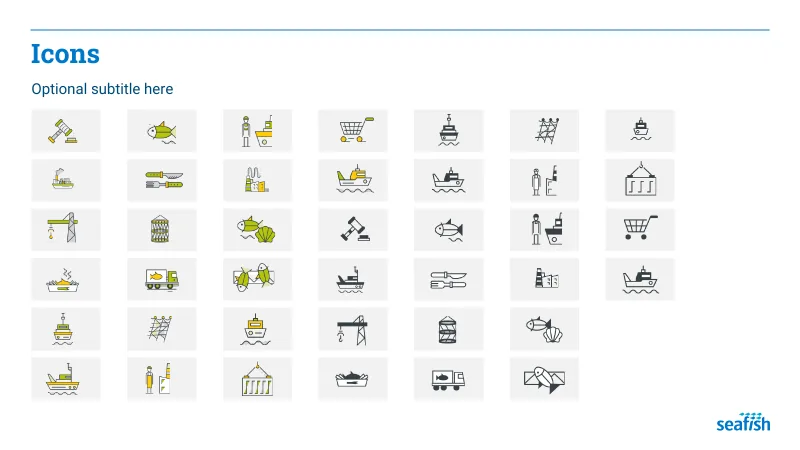
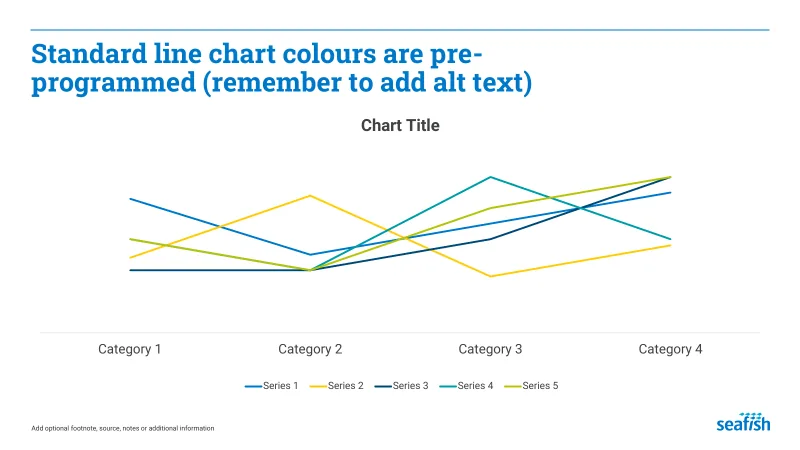
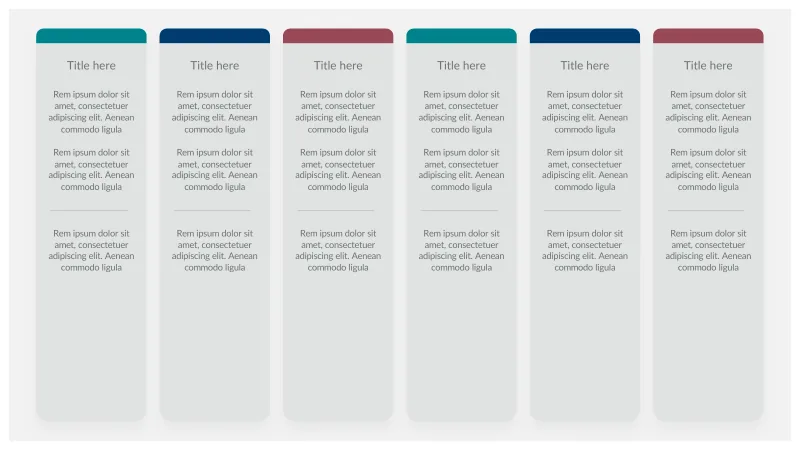
Seafish PowerPoint Seafish PowerPoint -


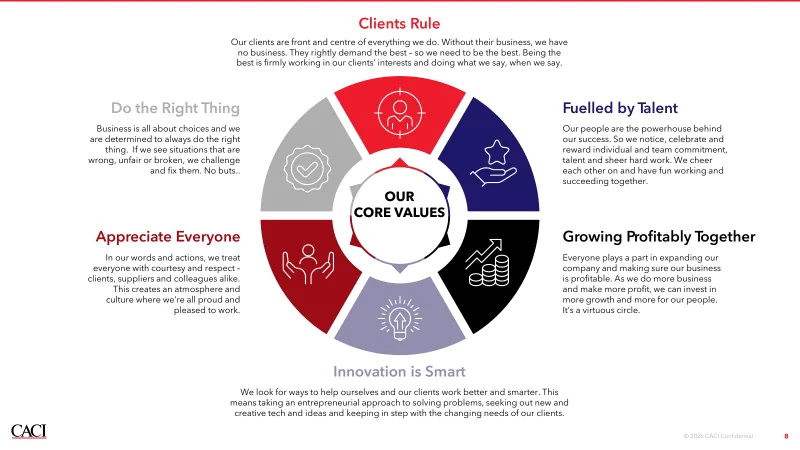
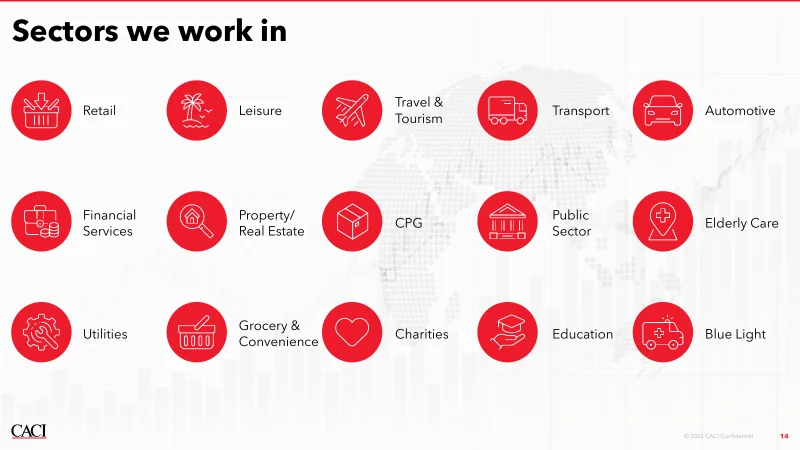

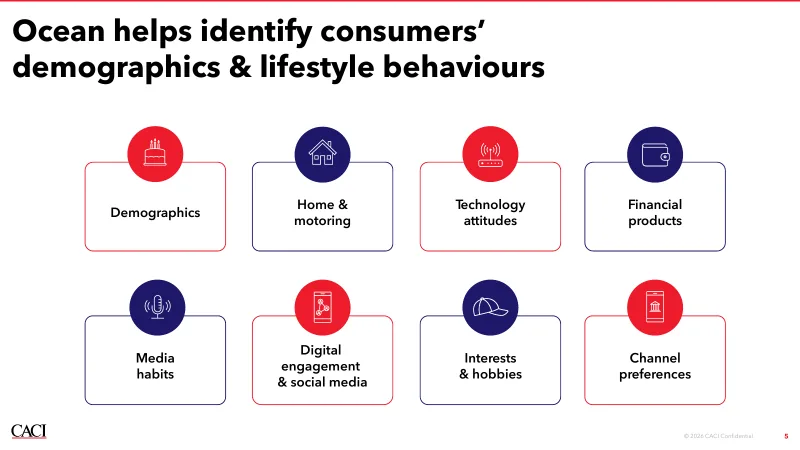
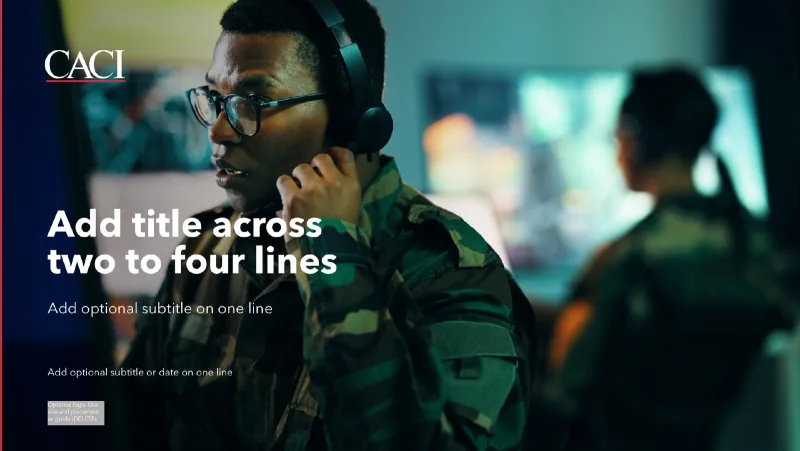
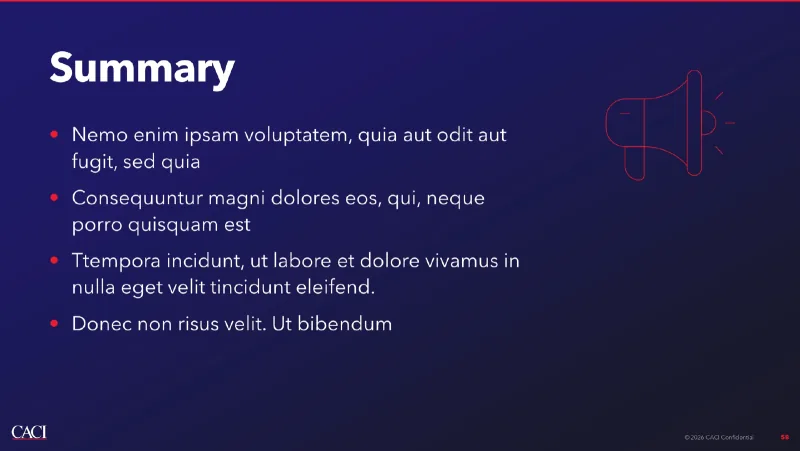
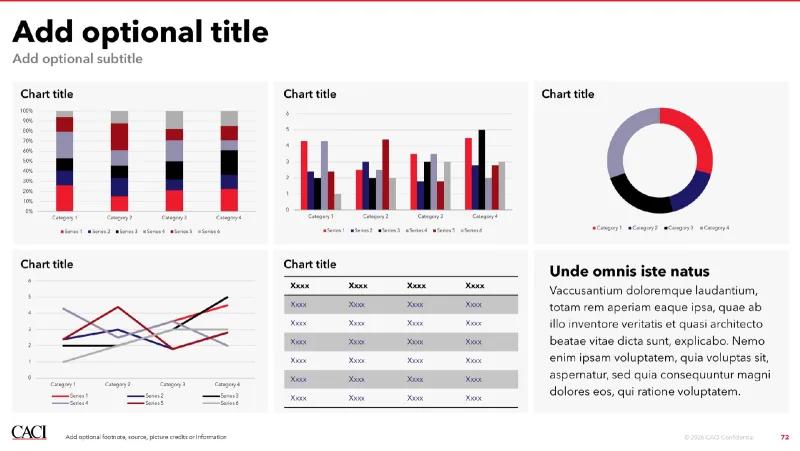
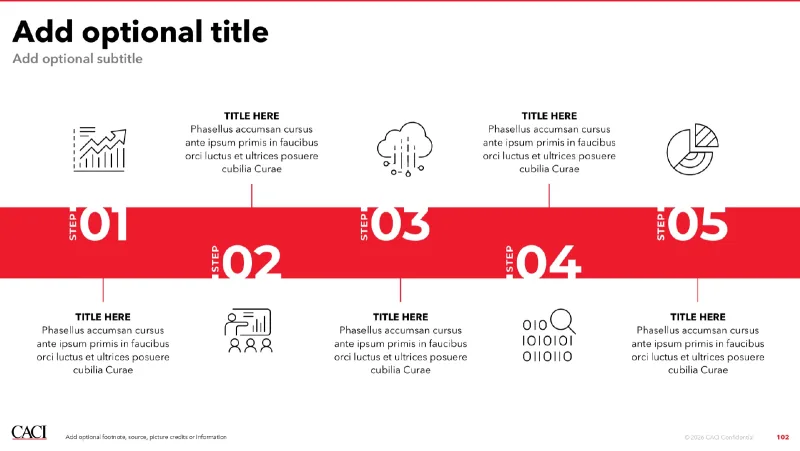
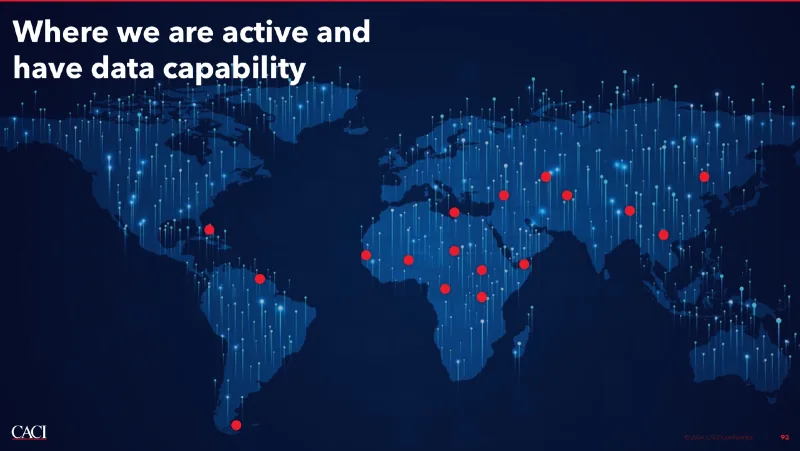
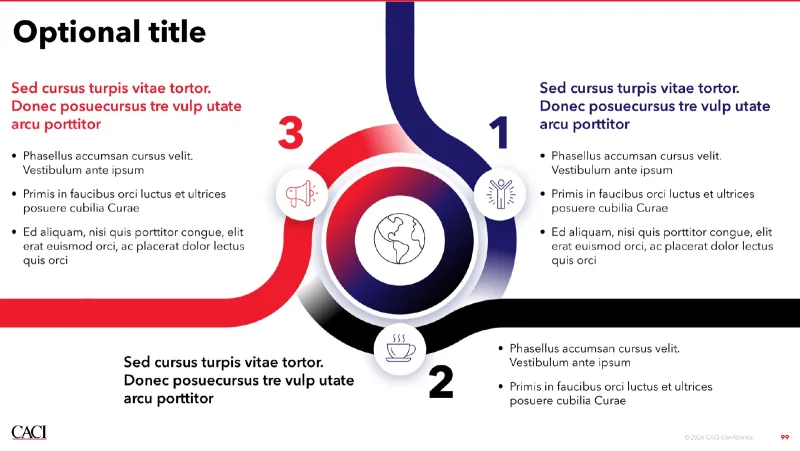
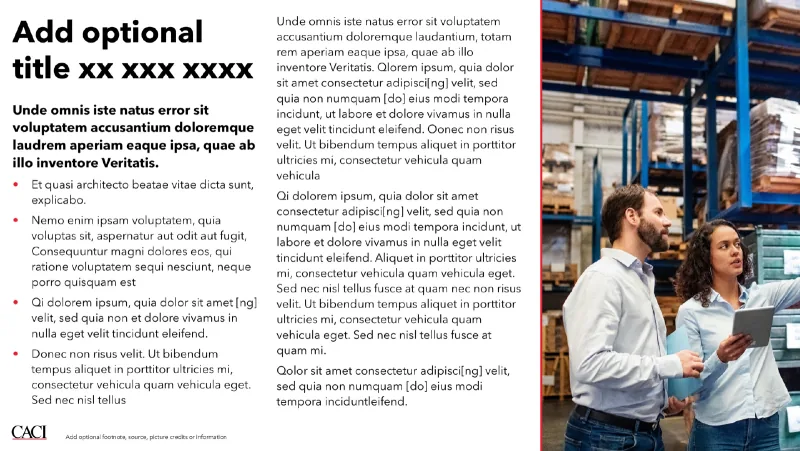
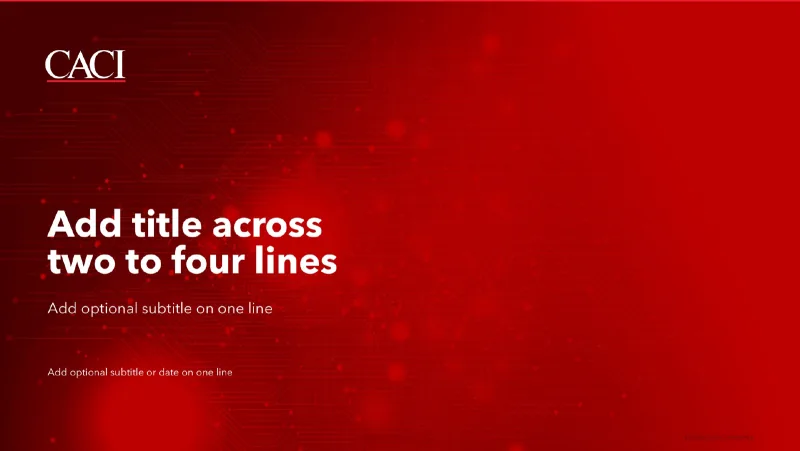
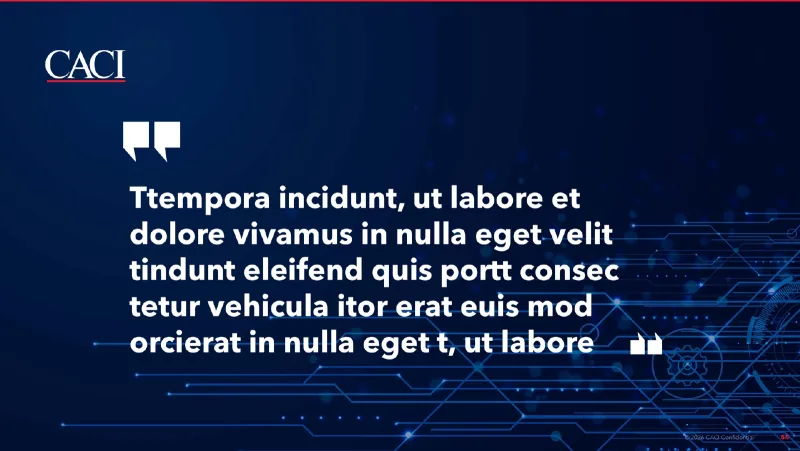
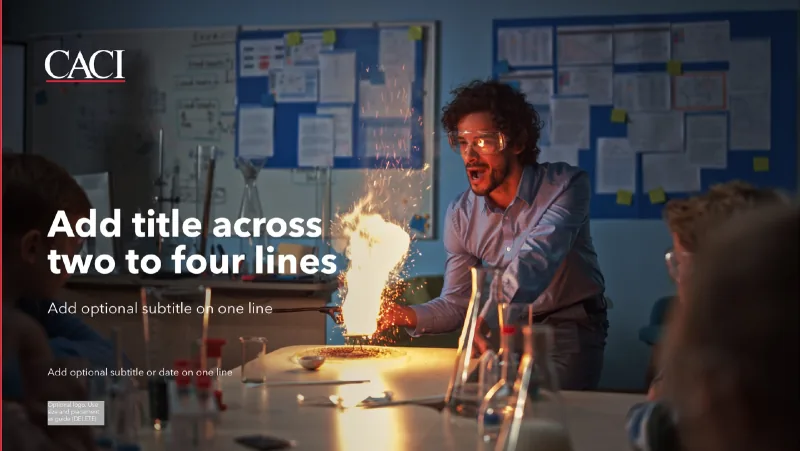
CACI PowerPoint CACI PowerPoint CACI PowerPoint -
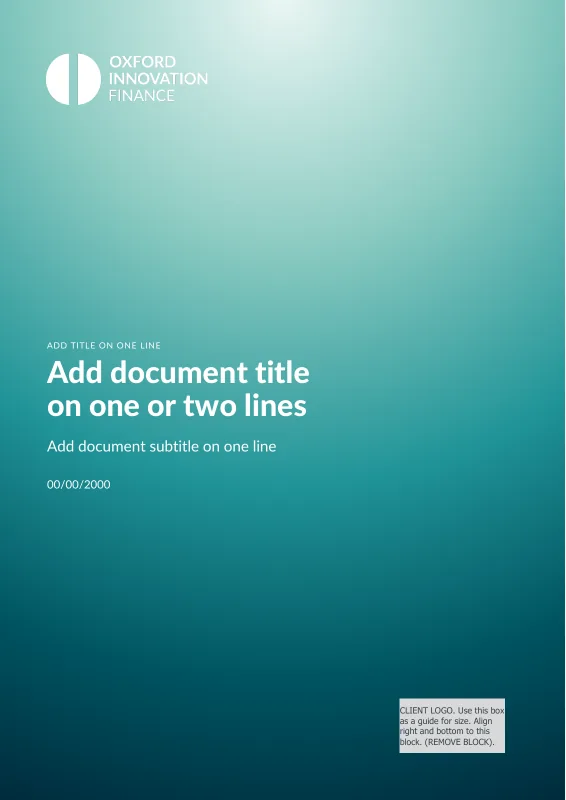
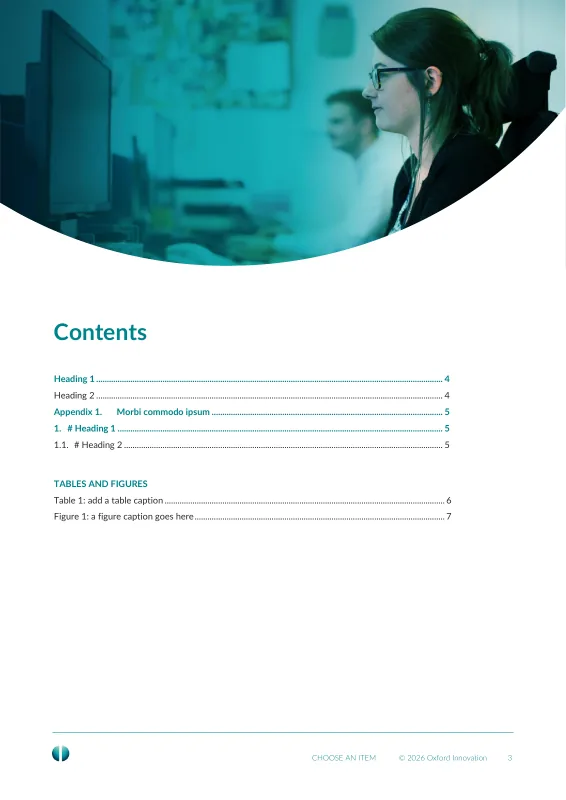
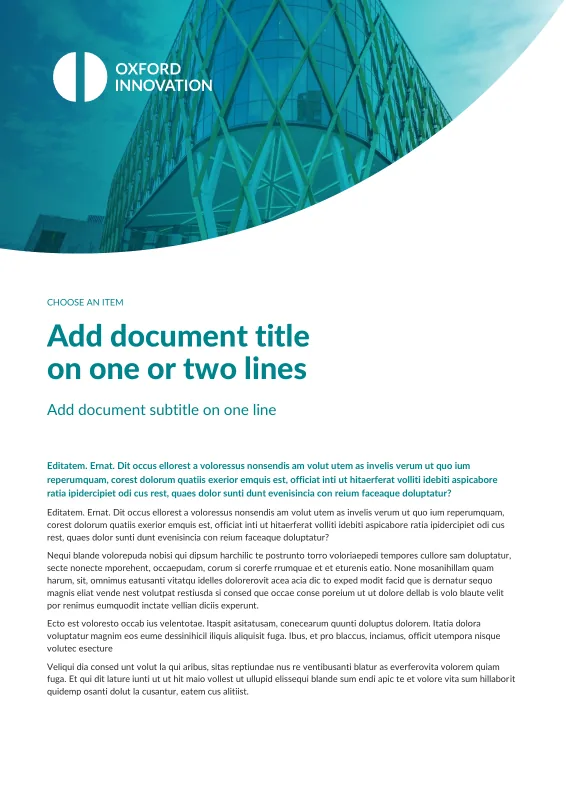
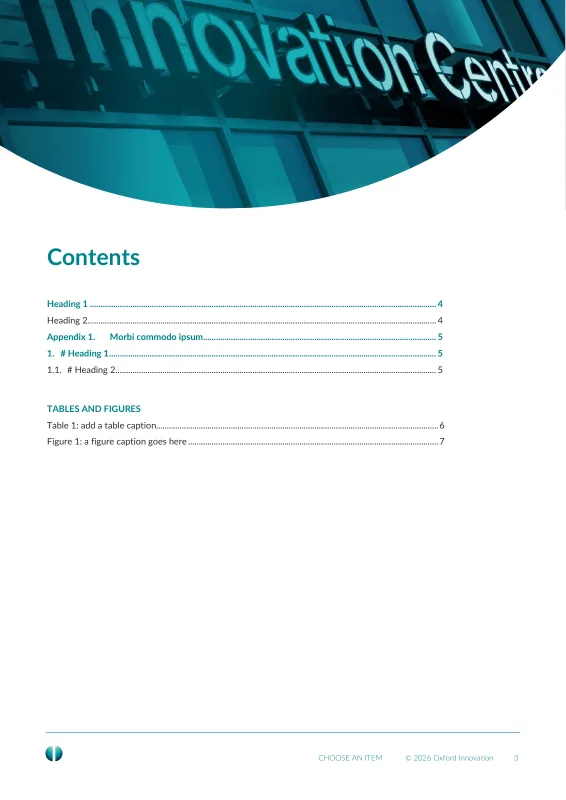
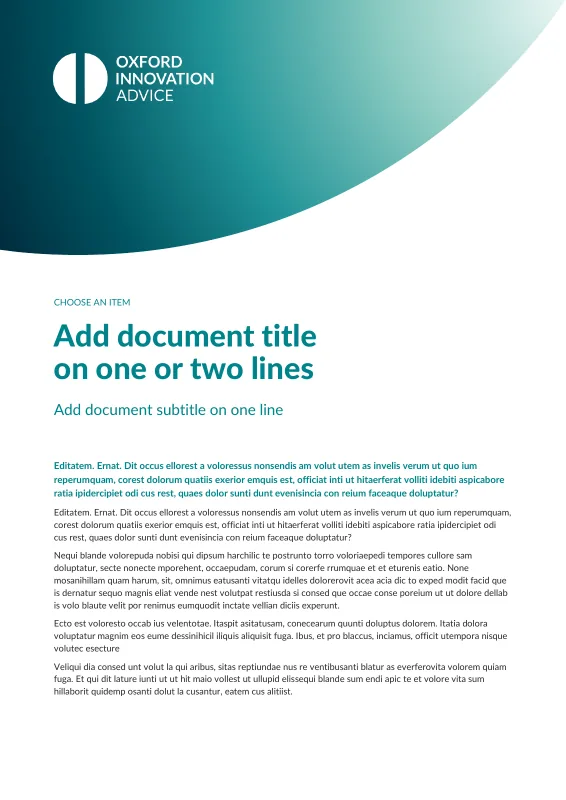
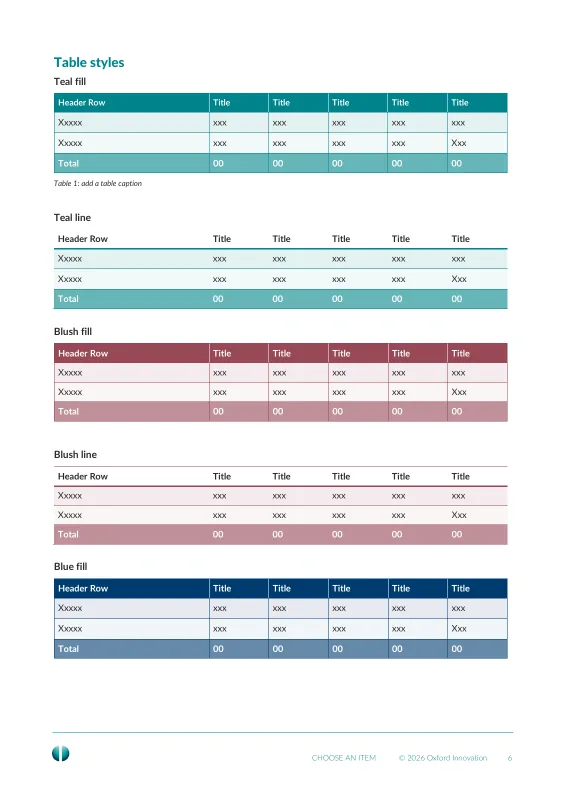
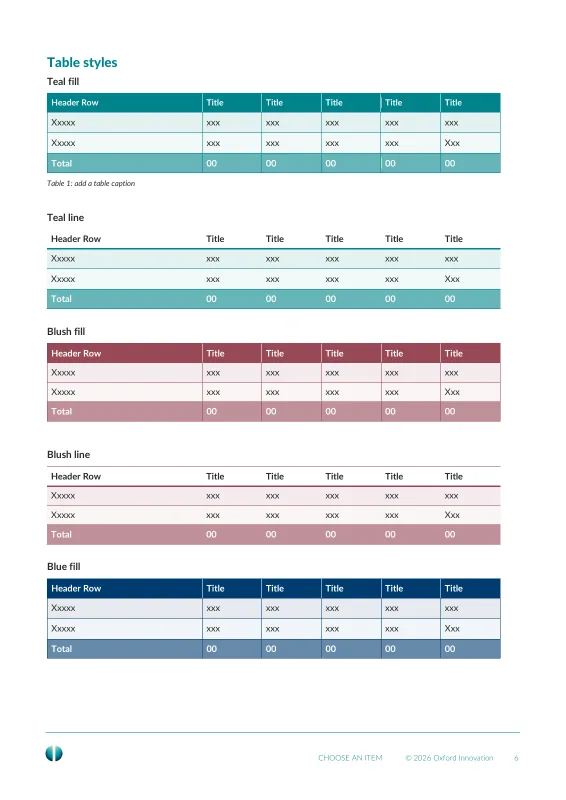
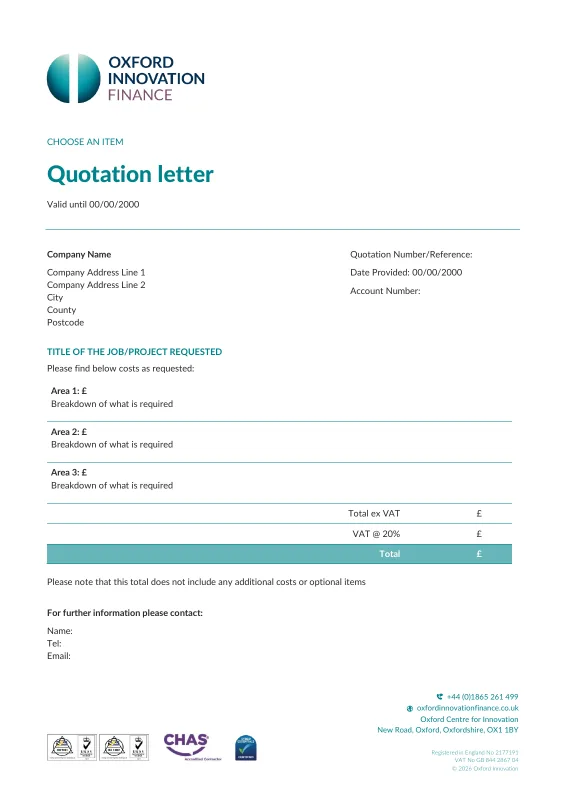
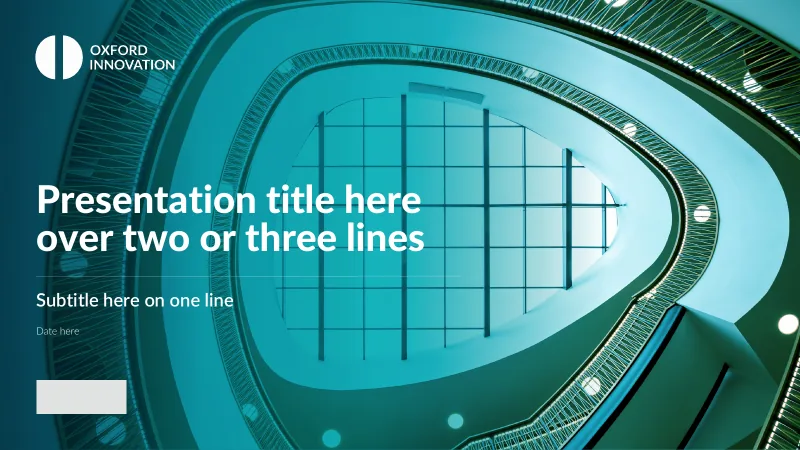
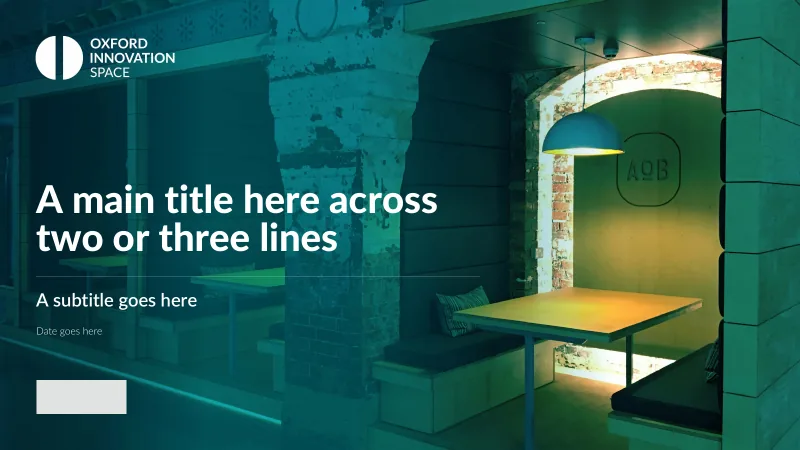
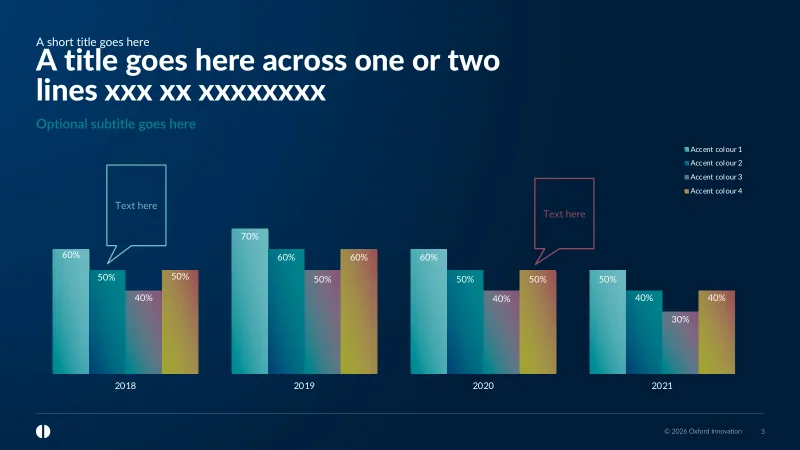
Oxford Innovation Word Oxford Innovation PowerPoint -



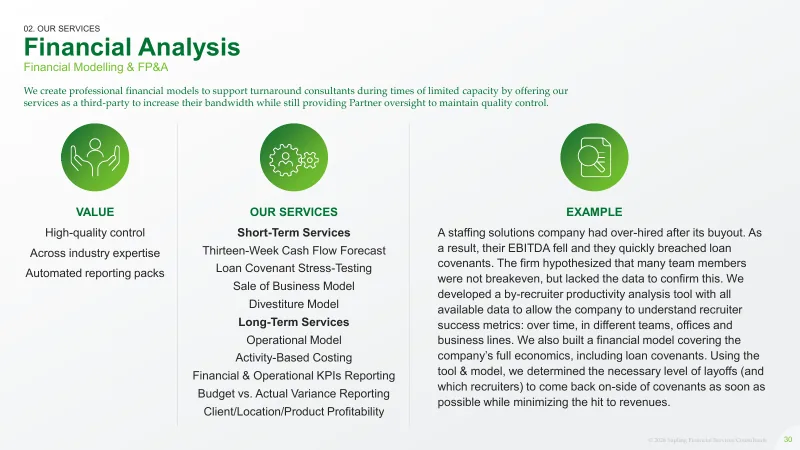

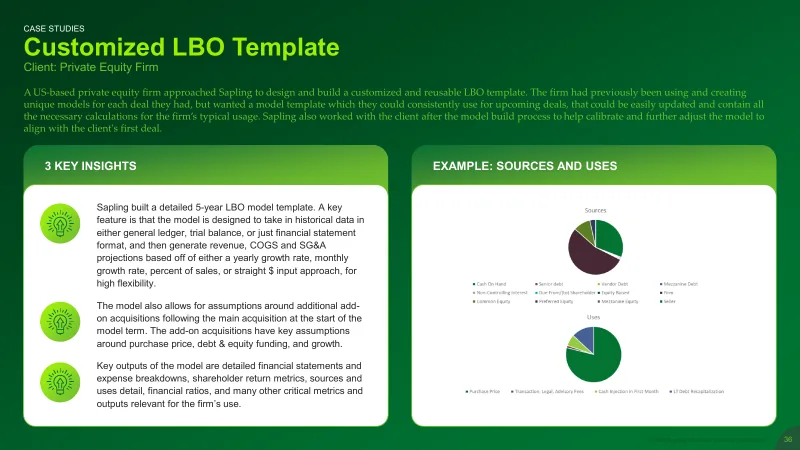
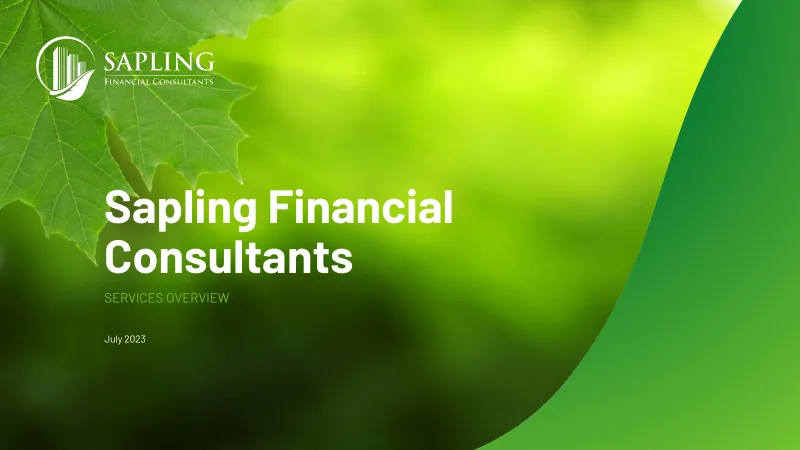
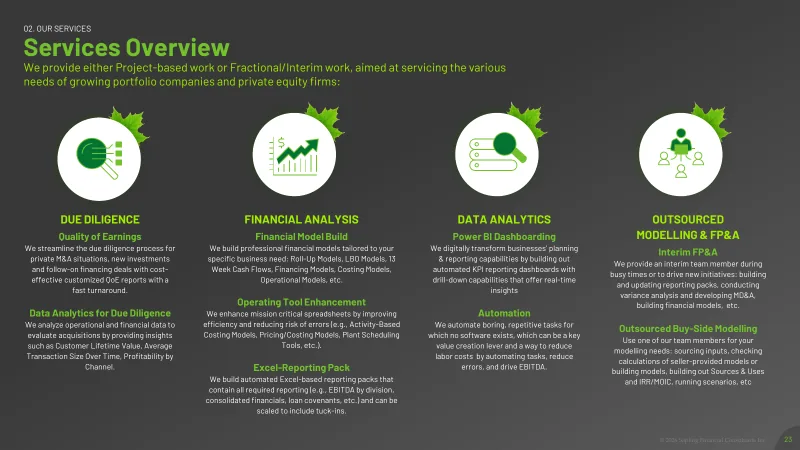
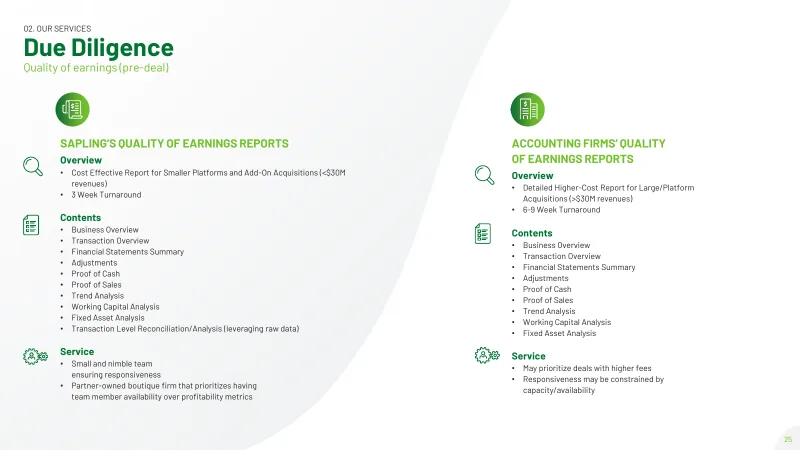
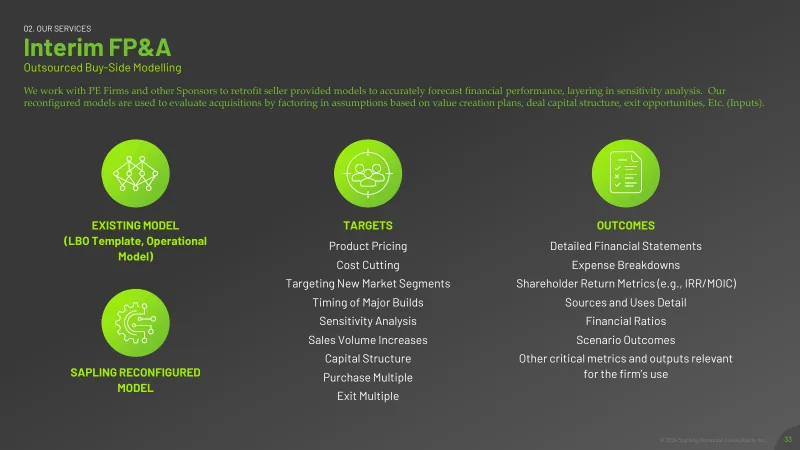
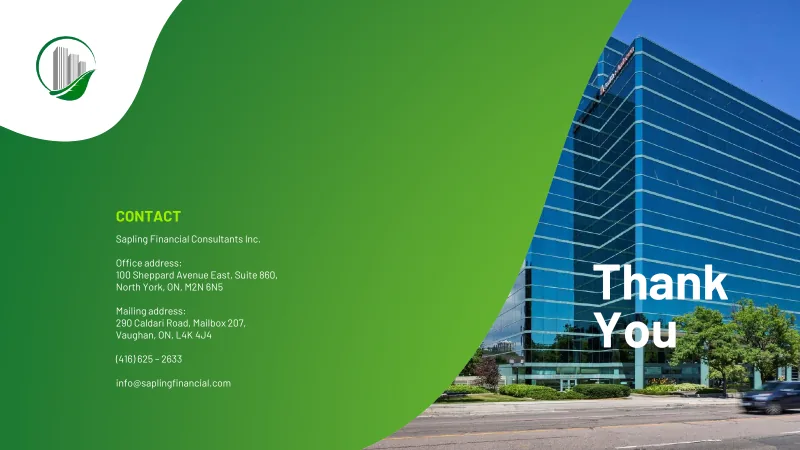
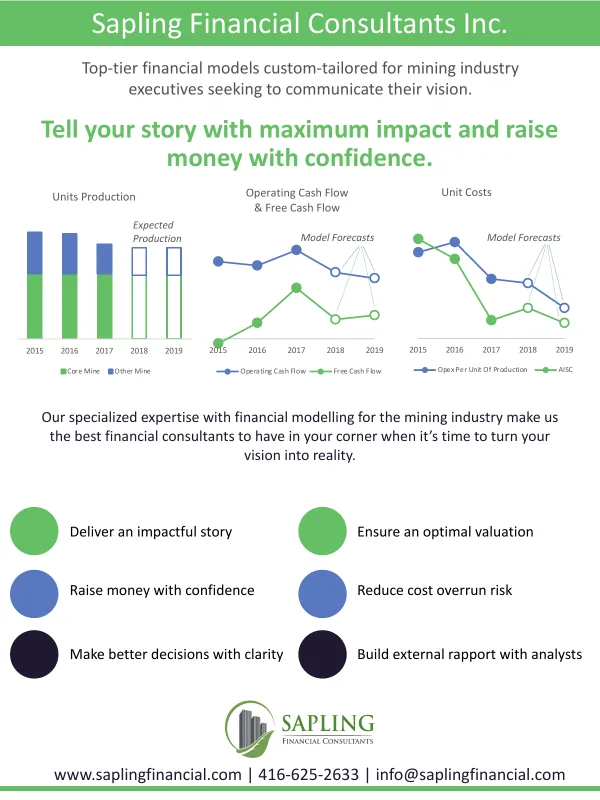
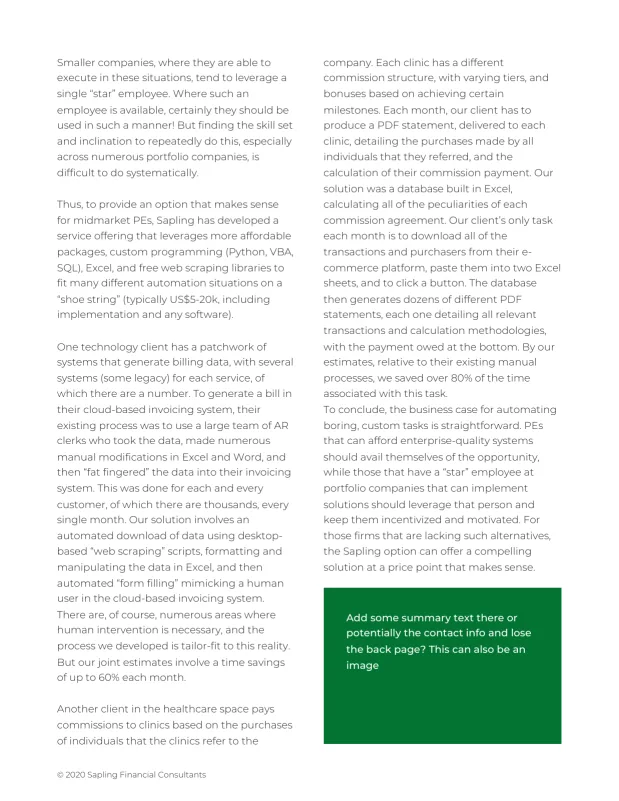
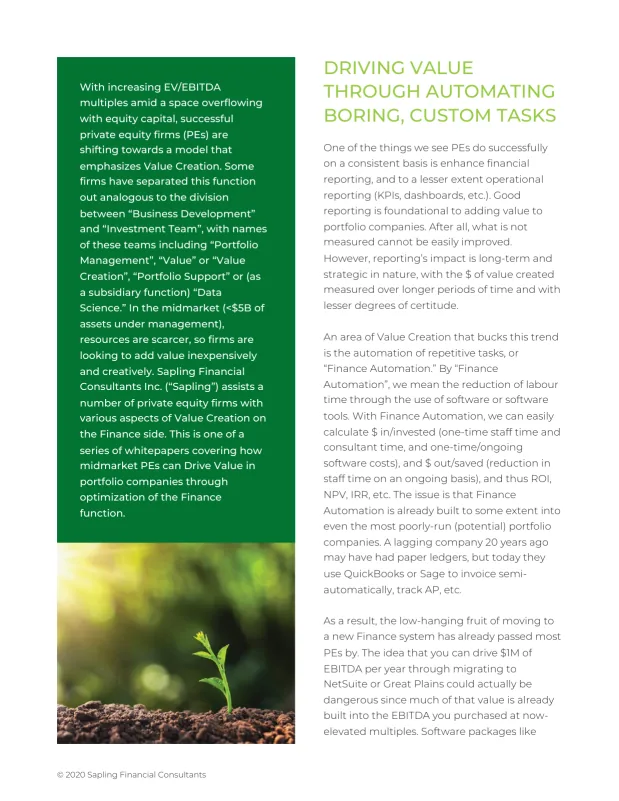
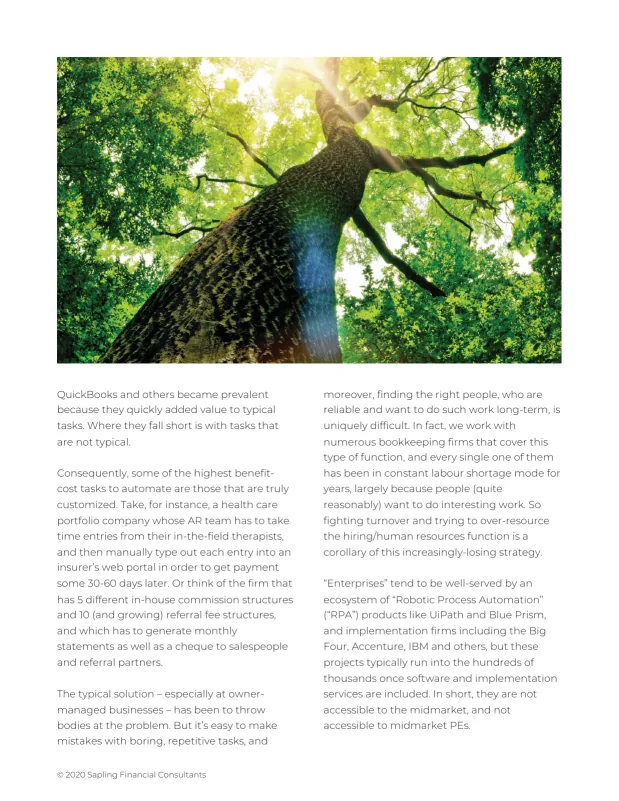
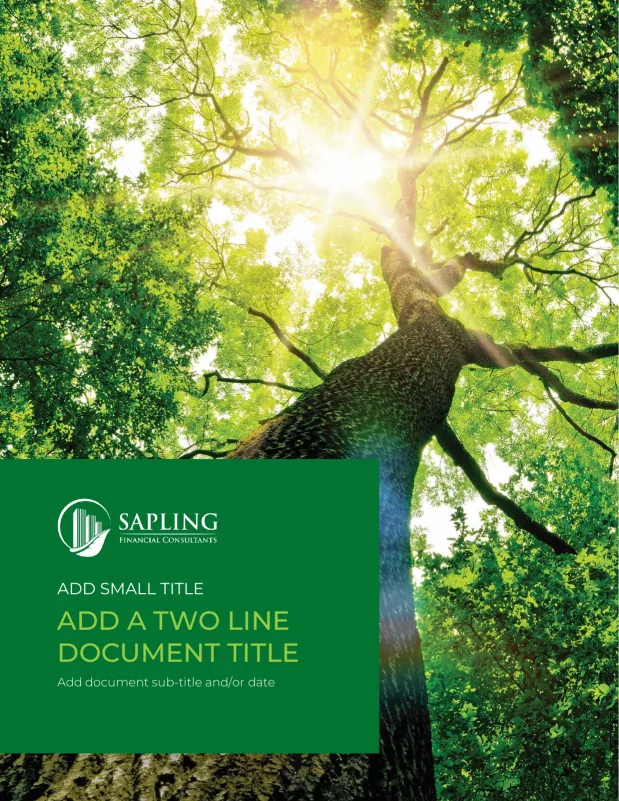
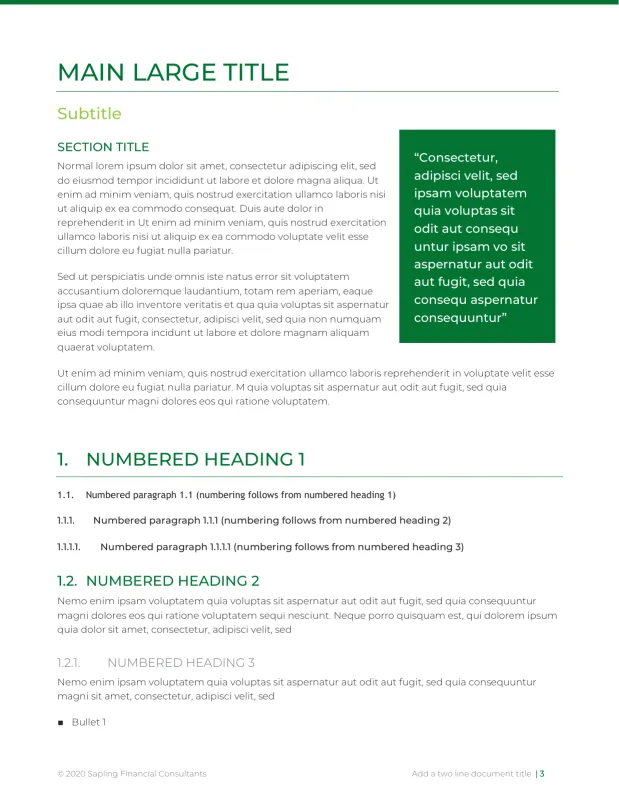
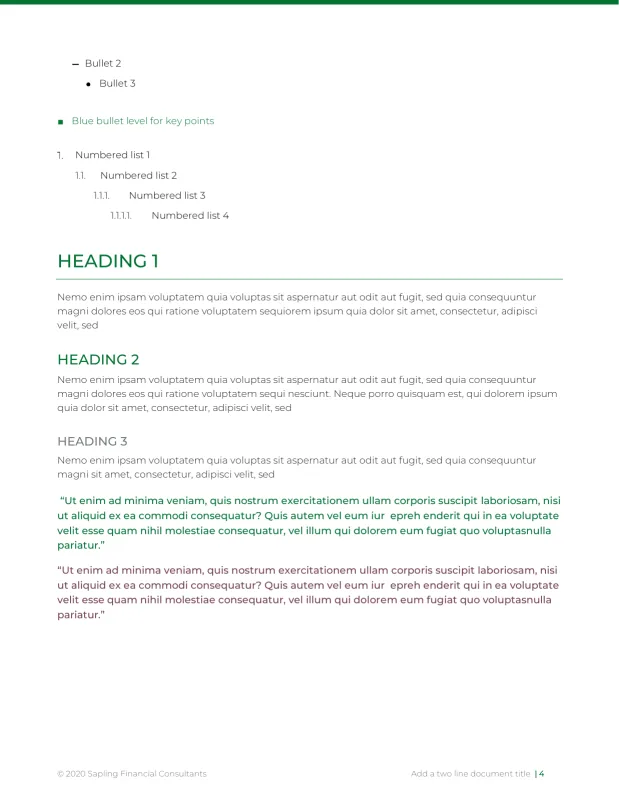
Sapling Financial Consultants PowerPoint Sapling Financial Consultants PowerPoint Sapling Financial Consultants PowerPoint -


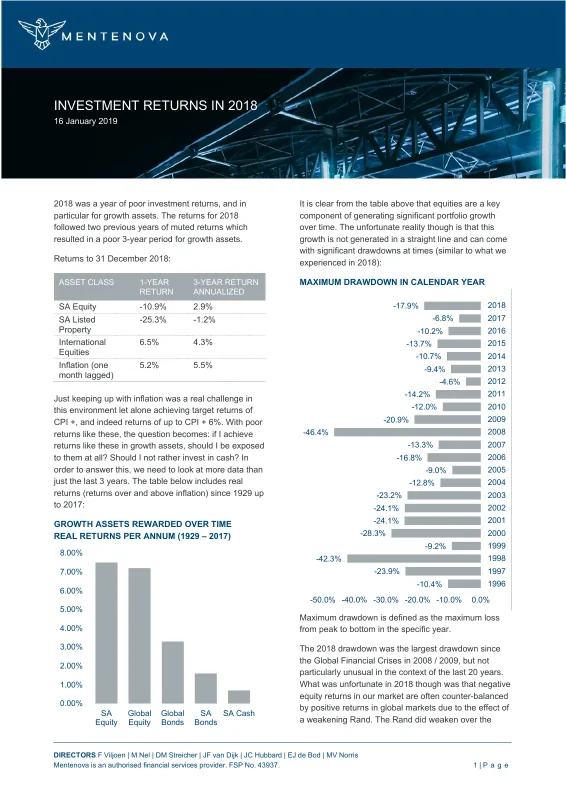
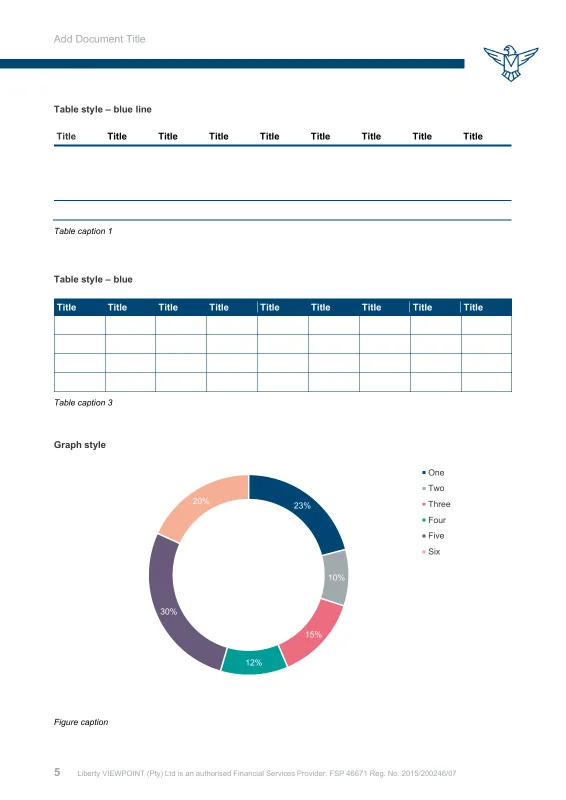
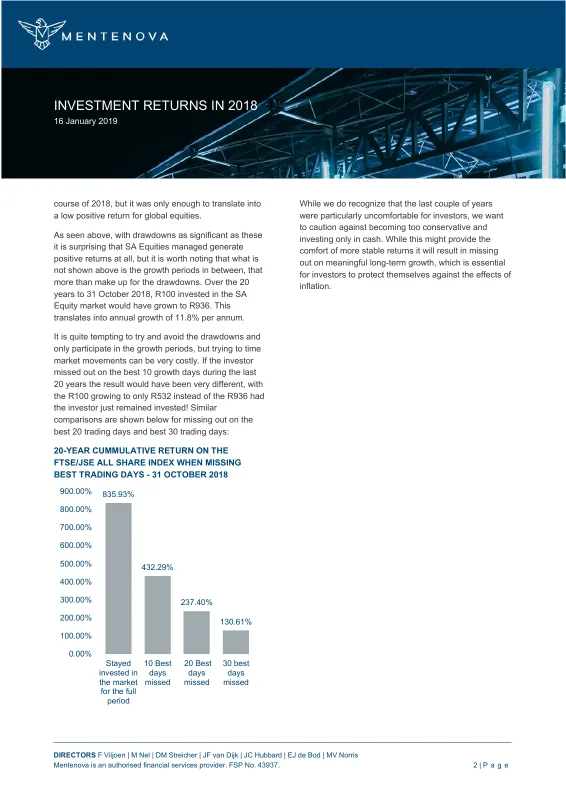
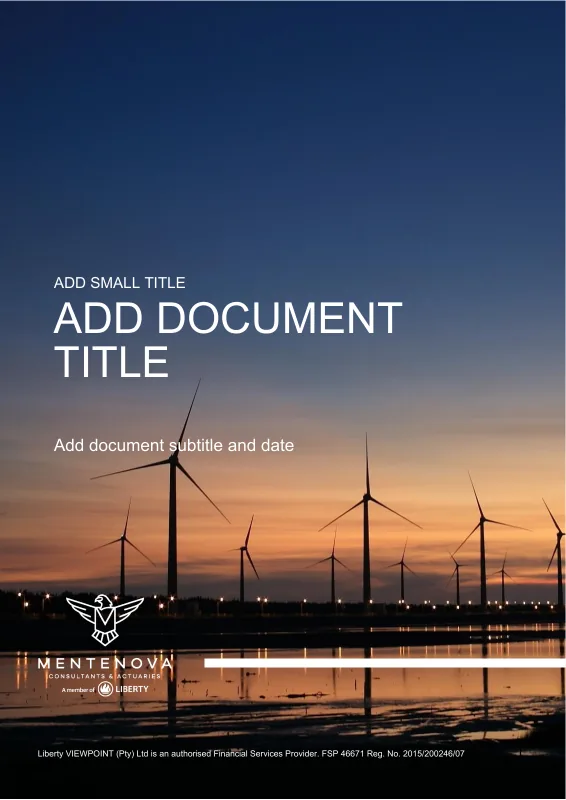
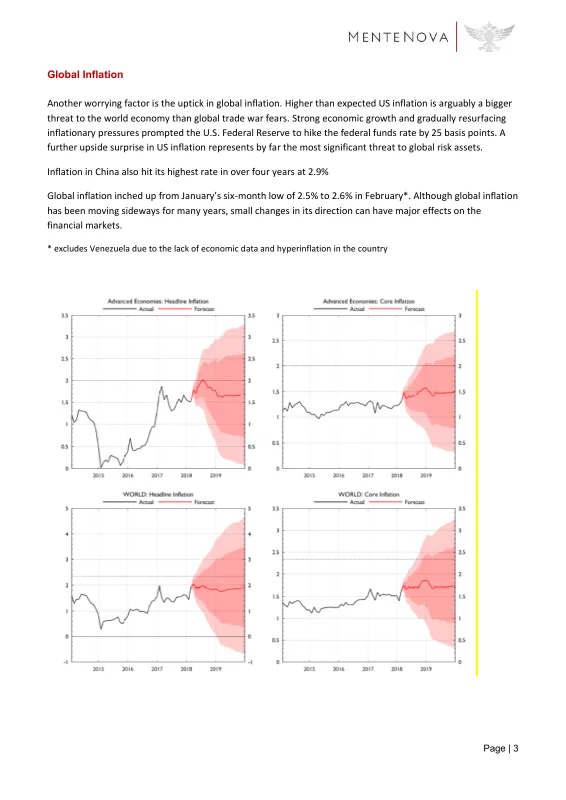
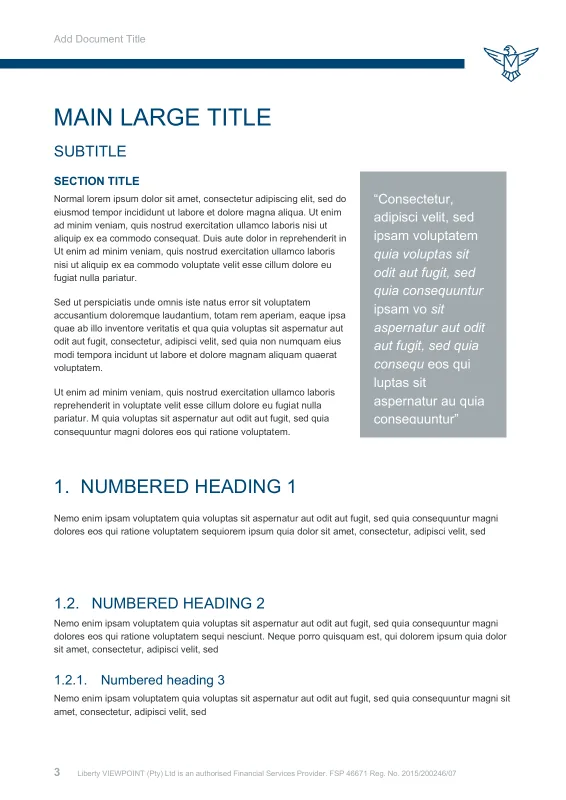
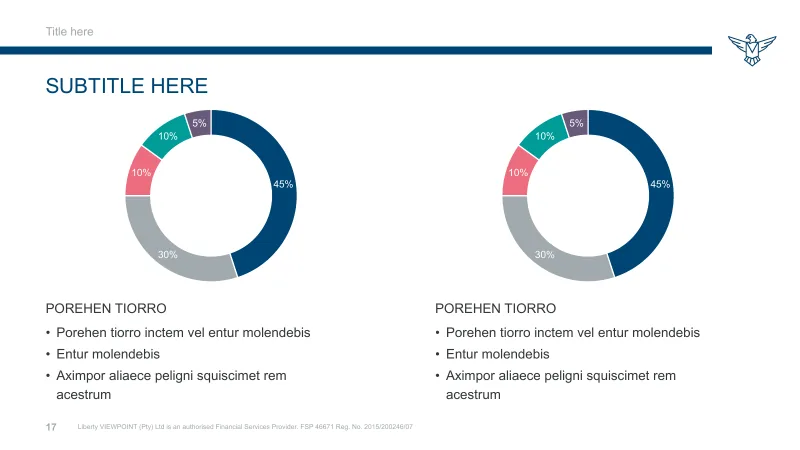
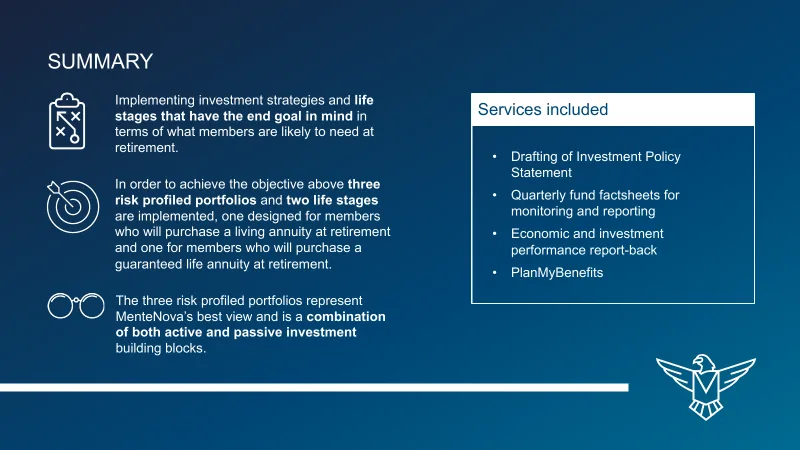
Mentenova Word Mentenova PowerPoint









What clients say
“If you’ve tried doing it yourself before, you’ll understand the complexity of actually getting the base templates right. It’s a very rare skill set to have, and actually deliver something that works. These are more than templates – they are assets and we use them on a daily basis.”
“I needed a series of branded templates for our marketing toolkit, and they had to be user-friendly enough that anyone on our staff could modify them to suit their needs. Deb’s designs not only look great and fit our brand, they are thoughtfully created and flexible enough to suit all of our use cases.”
“Worker Ant were the perfect company to redesign and update all of our office templates. They provided a good balance of artistic design and technical knowhow to build beautiful and robust templates. They were responsive and friendly throughout the design process, providing brilliant suggestions and incorporating our feedback.”
AI-ready templates
Clear structure for people and supported tools
Headings, reading order, table structure and meaningful alternative text help people navigate documents. They also give supported search and AI features clearer source material to work with. Your team should still review generated summaries and answers.
Explore AI-ready templates- Structured headings and tables
- Guidance for meaningful alternative text
- A stronger starting point for document search
Start a project
Want a stronger foundation for accessible documents?
Share a few of your current templates and documents. We’ll show you where accessibility is breaking down and what it would take to build it in.
We reply within one working day.